Affiliate Disclosure: This site contains affiliate links. We may earn a commission at no extra cost to you when you purchase through these links. All recommendations are based on research and editorial judgment.
HomeCategories › Ultrawide Monitors

The Best Ultrawide Monitors of 2026

21:9 and 32:9 displays replace dual-monitor setups with one seamless canvas. These six earned top marks from independent labs — from 360 Hz QD-OLED flagships to the budget curve that started it all.

Updated July 2026 · Research-Backed Picks
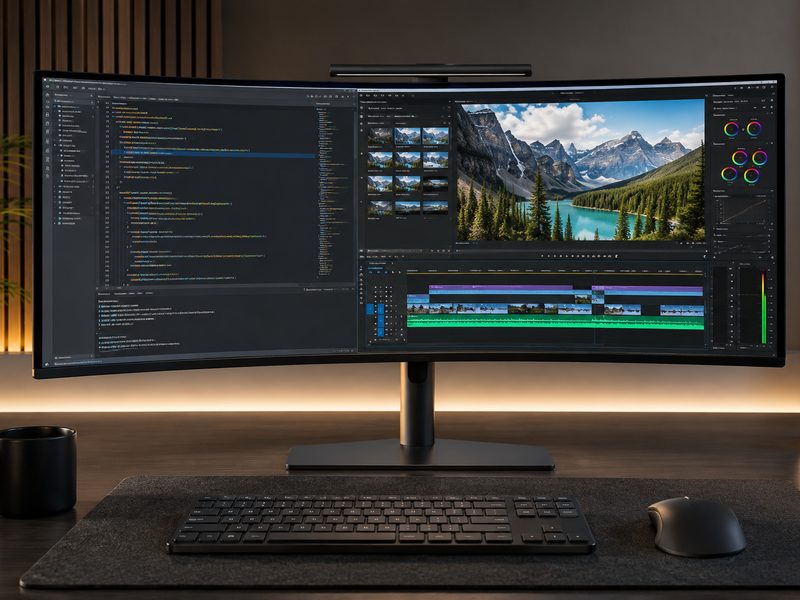
Curved ultrawide monitor displaying a panoramic landscape across a 21:9 canvas

Our Top Picks at a Glance

  1. MSI MPG 341CQR QD-OLED X36 — Best Overall
  2. ASUS ROG Swift PG34WCDN — Best Premium Alternative
  3. LG UltraGear 39GX950B — Best 5K2K Pixel Density
  4. Alienware AW3426DW — Best Value QD-OLED
  5. MSI MPG 491CQP QD-OLED — Best 49-Inch Super-Ultrawide
  6. AOC CU34G2X — Best Budget Ultrawide

The ultrawide market leveled up hard in 2026. Third-generation 34-inch QD-OLED panels now hit 360 Hz with peak HDR brightness around 1,300 nits, and 5K2K OLED has arrived for those who want ultrawide width with 4K-class pixel density. We synthesized current testing from TechSpot, PCWorld, and RTINGS to rank the six ultrawides that lead their respective niches — flagship gaming, sharp productivity, maximum width, and honest budget value.

1
Best Overall

MSI MPG 341CQR QD-OLED X36

$$$
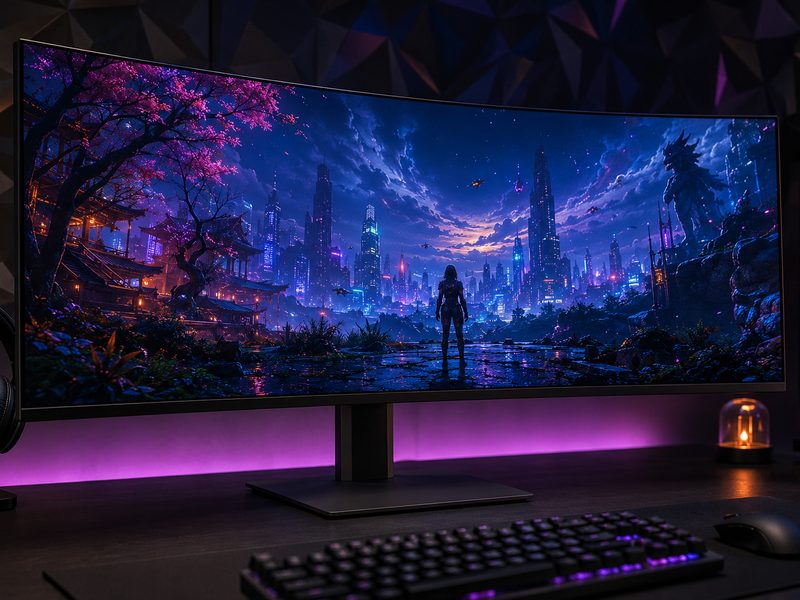
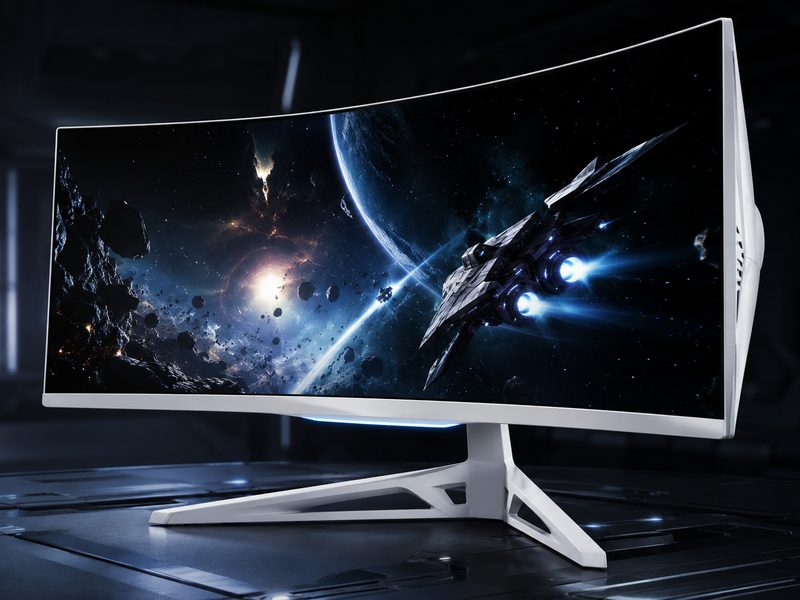
MSI MPG 341CQR QD-OLED X36 34-inch 360Hz curved ultrawide gaming monitor
34" QD-OLED3440×1440360 Hz~1,300-nit HDR Peaks

PCWorld’s top ultrawide recommendation and TechSpot’s co-leader for the ultimate 34-inch gaming ultrawide. MSI’s X36 uses the latest-generation QD-OLED panel running at a blistering 360 Hz, with HDR peak brightness measured around 1,300 nits — a meaningful jump over the 1,000-nit older QD-OLED ultrawides. TechSpot found its SDR and HDR calibration excellent out of the box. It handles almost everything well: competitive speed, cinematic HDR, and immersive curve, all in one panel.

Pros

  • Latest-gen QD-OLED at 360 Hz
  • Noticeably brighter HDR than prior QD-OLED ultrawides
  • Excellent factory calibration in SDR and HDR
  • Elite motion clarity for competitive play

Cons

  • Premium pricing
  • ~110 PPI pixel density — good, not 4K-sharp
  • OLED care needed for static productivity use
2
Best Premium Alternative

ASUS ROG Swift PG34WCDN

$$$
ASUS ROG Swift PG34WCDN 34-inch QD-OLED ultrawide monitor with ROG stand
34" QD-OLED3440×1440360 HzRTINGS Best Ultrawide

RTINGS names the PG34WCDN the best ultrawide monitor outright, calling it a high-end 34-inch model that excels across many different uses. TechSpot tested it head-to-head against the MSI X36 and found the two nearly impossible to separate — identical panel performance, brightness, and calibration quality. Choosing between them comes down to feature set, styling, and whichever is priced better the day you buy. Either way, you’re getting the best 34-inch ultrawide panel ever made.

Pros

  • Same elite 360 Hz QD-OLED panel as our top pick
  • Excellent calibration across SDR and HDR
  • Versatile across gaming, media, and work
  • Premium ROG build quality

Cons

  • Flagship pricing
  • ROG styling isn't for everyone
  • Same OLED static-content considerations
3
Best 5K2K Pixel Density

LG UltraGear 39GX950B

$$$
LG UltraGear 39GX950B 39-inch 5K2K OLED ultrawide monitor
39" OLED5120×2160Dual-Mode Refresh4K-Class Sharpness

For those who love ultrawide width but can’t stand 1440p-class pixel density, LG’s 5K2K OLED changes the game: 5120×2160 across 39 inches delivers genuinely sharp text alongside OLED contrast. TechSpot praised the unique format and great gaming experience while dinging the launch price and 165 Hz ceiling in full-resolution mode — it’s a dual-mode panel that trades resolution for higher refresh when you want it. If sharpness is your priority and budget is flexible, nothing else in ultrawide looks this crisp.

Pros

  • 5K2K resolution — 4K-class sharpness in ultrawide
  • OLED contrast and response
  • Dual-mode refresh flexibility
  • Unique 39-inch format splits the 34/45 difference

Cons

  • Very expensive at launch — watch for sales
  • 165 Hz cap in full 5K2K mode
  • Matte coating divides opinion
4
Best Value QD-OLED

Alienware AW3426DW

$$
Alienware AW3426DW 34-inch curved QD-OLED ultrawide monitor
34" QD-OLED3440×1440CurvedBang for Buck

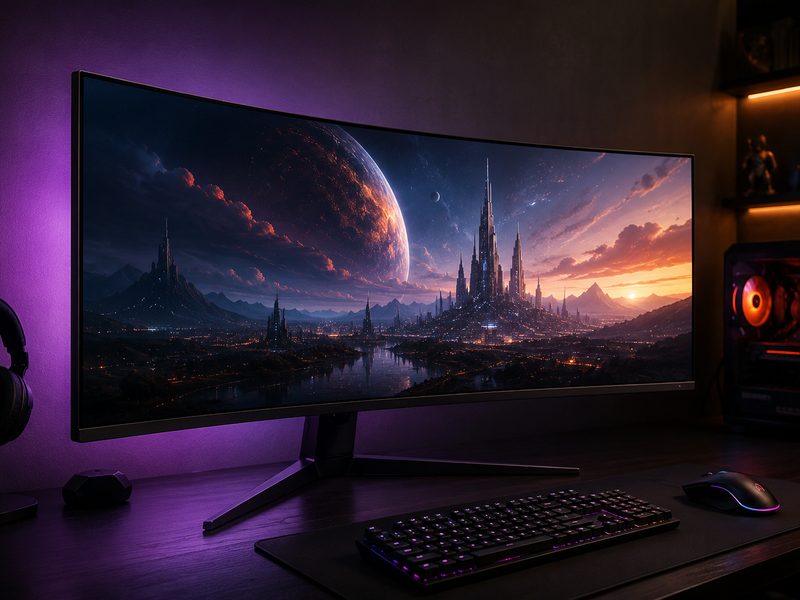
PCWorld’s review headline says it all: maximum monitor bang for your buck. The AW3426DW delivers the core QD-OLED ultrawide experience — perfect blacks, instant response, immersive 1800R-class curve — without the premium attached to this year’s 360 Hz flagships. Alienware’s QD-OLED ultrawides have been the value benchmark of the category since the legendary AW3423DW, and this latest iteration keeps that crown. The smart pick if you want OLED immersion and refuse to overpay for refresh headroom you may never use.

Pros

  • QD-OLED experience at a mid-tier price
  • Excellent contrast and HDR punch
  • Proven Alienware ultrawide lineage
  • Great all-round gaming and media display

Cons

  • Lower refresh ceiling than the 360 Hz flagships
  • 1440p-class pixel density
  • Alienware styling is distinctive — for better or worse
5
Best 49-Inch Super-Ultrawide

MSI MPG 491CQP QD-OLED

$$$
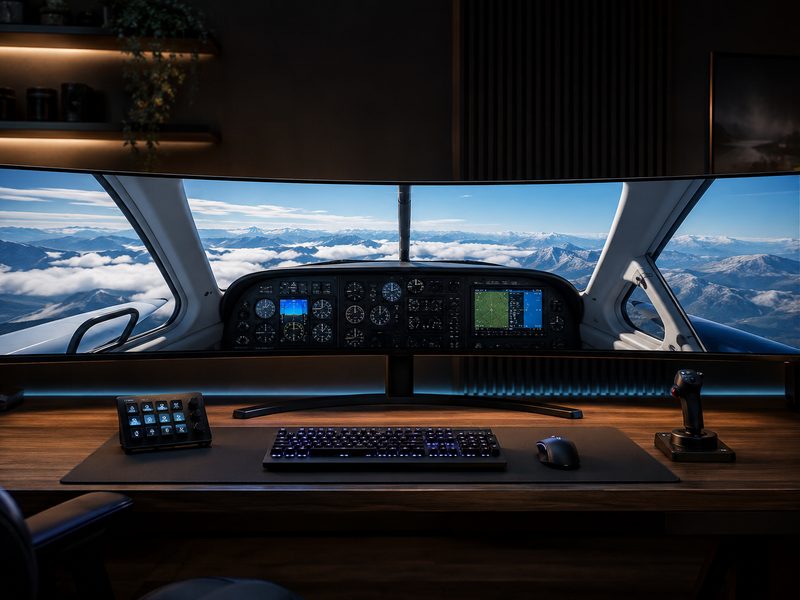
MSI MPG 491CQP 49-inch 32:9 QD-OLED super-ultrawide monitor spanning a full desk
49" QD-OLED32:95120×1440Dual-27" Replacement

TechRadar’s reviewer found the 49-inch 32:9 format compelling for gamers who can accommodate OLED’s maintenance habits, and the 491CQP is the strongest expression of maximum-width gaming. Its 5120×1440 QD-OLED canvas is the exact footprint of two bezel-less 27-inch 1440p monitors fused together — sim racing, flight sims, and productivity multitasking are simply on another level here. Reviewers have called this class of display outrageous, and they mean it as a compliment.

Pros

  • Ultimate immersion — wraps your entire field of view
  • QD-OLED contrast across a massive canvas
  • Genuinely replaces a dual-monitor setup
  • Spectacular for sim racing and flight sims

Cons

  • Demands a very deep, wide desk
  • Game support for 32:9 varies
  • Big panel, big price, big GPU requirement
6
Best Budget Ultrawide

AOC CU34G2X

$
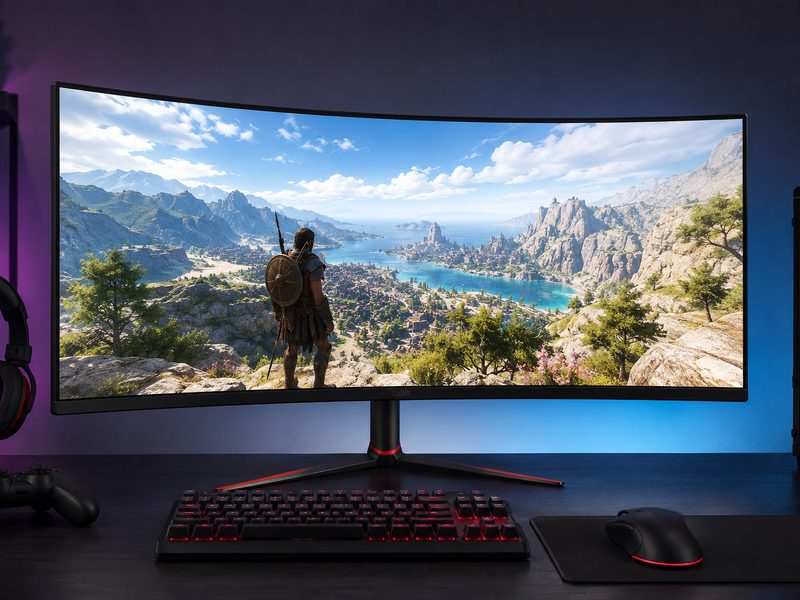
AOC CU34G2X 34-inch curved budget ultrawide monitor
34" VA3440×1440144 Hz1 msFrameless

TechRadar’s long-standing budget ultrawide favorite, the CU34G2X proves you don’t need OLED money to go wide. Its 34-inch 3440×1440 VA panel runs at 144 Hz with 1 ms response, and reviewers praised out-of-the-box color that needs no adjustment plus one of the most immersive curves in its class. The menu system is clunky and there’s no G-Sync certification, but as a first ultrawide — or a second-monitor-killer on a budget — the value here is superb.

Pros

  • Full 3440×1440 at 144 Hz for budget money
  • Great out-of-box color for the class
  • Immersive curve without overwhelming
  • VA contrast beats budget IPS rivals

Cons

  • No G-Sync certification
  • On-screen menu is awkward to navigate
  • VA panel has slower transitions than OLED/fast-IPS

Quick Comparison

MonitorBest ForSizeResolutionPanelRefreshTier
MSI MPG 341CQR X36Best overall34"3440×1440QD-OLED360 Hz$$$
ASUS ROG Swift PG34WCDNBest premium alternative34"3440×1440QD-OLED360 Hz$$$
LG UltraGear 39GX950BBest pixel density39"5120×2160OLED165 Hz (5K2K)$$$
Alienware AW3426DWBest value QD-OLED34"3440×1440QD-OLEDHigh refresh$$
MSI MPG 491CQPBest 49" super-ultrawide49"5120×1440QD-OLEDHigh refresh$$$
AOC CU34G2XBest budget34"3440×1440VA LCD144 Hz$

How We Choose

Every recommendation on this page is grounded in published lab testing and hands-on reviews from independent outlets, cross-referenced against real-world owner feedback. We never accept payment for placement, and we never fabricate scores or specifications.

Independent Test Data

We synthesize measurements and verdicts from professional review labs—response times, color accuracy, brightness, and build quality—rather than relying on manufacturer marketing claims.

Value Across Tiers

Each list spans budget ($) to premium ($$$) so there’s a genuine recommendation at every spend level, not just flagship halo products.

Real-World Fit

Specs only matter in context. We weigh how each pick performs for its intended use case—and call out the trade-offs honestly in every cons list.

Kept Current

Display tech moves fast. We revisit these picks as new panels ship and prior recommendations are superseded, so this page reflects the current market.

Frequently Asked Questions

Is an ultrawide better than dual monitors?
For immersion and seamless workflows, yes — no center bezel means games, timelines, and spreadsheets flow across one continuous canvas. Dual monitors still win when you want distinct full-screen workspaces or more total vertical space. A popular hybrid is an ultrawide primary plus a small portrait secondary for chat and docs.
What's the difference between 21:9 and 32:9?
21:9 (typically 34–40 inches, 3440×1440 or 5120×2160) is about 33% wider than a standard 16:9 monitor and fits most desks. 32:9 (49 inches, 5120×1440) is exactly twice a 16:9 monitor's width — essentially two 27-inch QHD panels fused together. 32:9 is transformative for sim racing and multitasking but demands serious desk space and stronger GPU output.
Do all games support ultrawide resolutions?
Most modern PC games support 21:9 well, but support isn't universal — some titles letterbox cutscenes or lock HUD elements, and 32:9 support is spottier still. Competitive titles occasionally restrict field of view for fairness. Consoles generally don't support ultrawide at all, so console-first gamers should stick with 16:9.
Is 3440×1440 sharp enough, or should I get 5K2K?
3440×1440 at 34 inches works out to roughly 110 PPI — comparable to a 27-inch 1440p monitor. It's perfectly good for gaming and general use, but text is visibly softer than 4K-class displays. If you do heavy reading, coding, or detail work and have the budget, 5K2K panels like the LG 39GX950B deliver roughly 140 PPI and a dramatic sharpness upgrade.
Do I need a special mount for an ultrawide?
Check the weight rating before buying an arm. Standard 34-inch ultrawides sit around the limit of many mainstream arms, while 45–49-inch panels often exceed 20 lbs and require heavy-duty arms rated for the load (see our monitor arms page for heavy-duty picks). All the ultrawides here use standard VESA 100×100 patterns.

Go Wide or Go Home

Browse the full range of curved and flat ultrawides across every size and price tier.

Shop All Ultrawide Monitors →

Tech Cluster

Camera Gear Cell Phone Plans Compare Internet Computer Gear