Affiliate Disclosure: This site contains affiliate links. We may earn a commission at no extra cost to you when you purchase through these links. All recommendations are based on research and editorial judgment.
HomeCategories › Office & Productivity

The Best Office & Productivity Monitors of 2026

Single-cable USB-C docking, all-day eye comfort, and ergonomics that protect your neck through the longest workdays. These six displays are the ones remote workers and professionals should actually buy.

Updated July 2026 · Research-Backed Picks
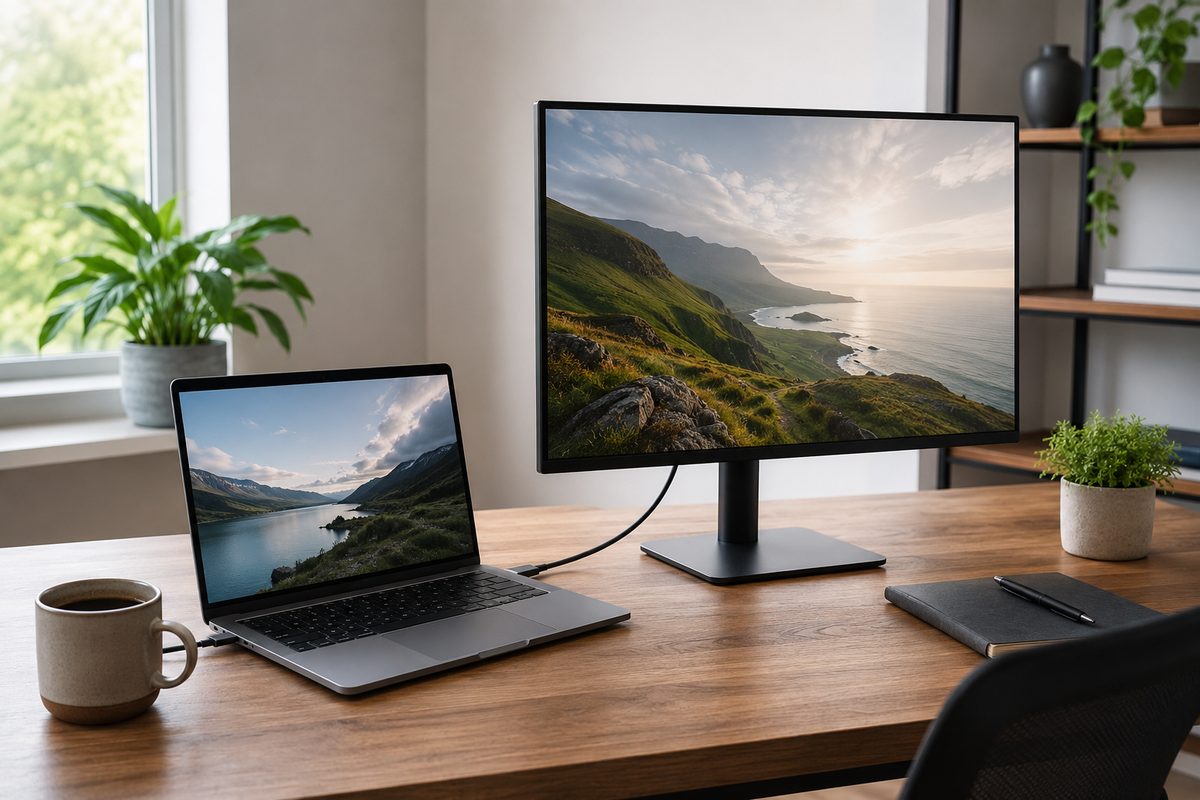
Clean home office with a USB-C monitor docked to a laptop over a single cable

Our Top Picks at a Glance

  1. Dell UltraSharp U3225QE — Best Overall
  2. ASUS ProArt PA278CV — Best for Color-Aware Professionals
  3. LG 27UP850K-W — Best Value 4K USB-C
  4. HP E27m G4 — Best for Video Conferencing
  5. BenQ GW2786TC — Best Budget USB-C
  6. Acer Vero B247Y G — Best Budget Ergonomic

The best office monitor disappears into your workflow: your laptop charges over the same cable that carries video, the stand puts the screen exactly at eye level, and flicker-free backlighting keeps your eyes fresh at hour eight. In 2026 that experience spans everything from Dell’s 140W Thunderbolt-hub flagship to genuinely good budget panels. We synthesized testing from PCWorld, RTINGS, and specialist home-office reviewers to rank the six displays that deliver it best at every budget.

1
Best Overall

Dell UltraSharp U3225QE

$$$
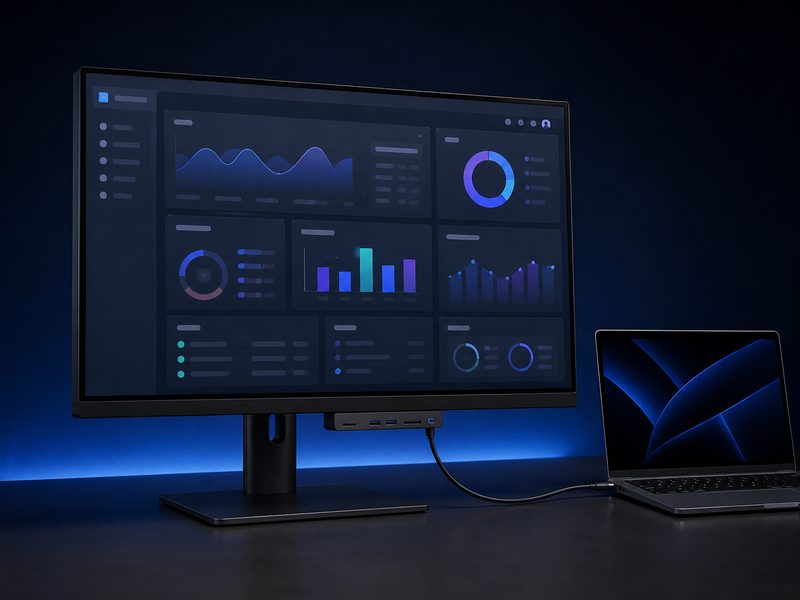
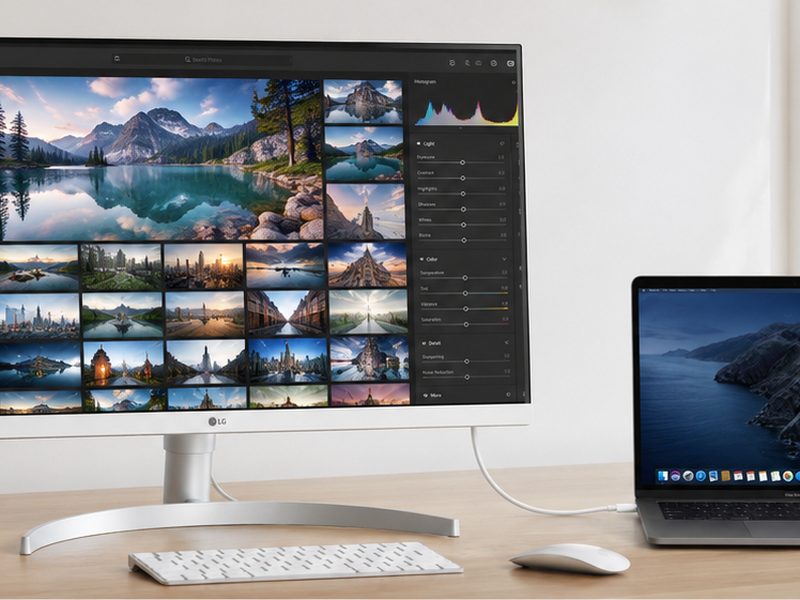
Dell UltraSharp U3225QE 32-inch 4K productivity monitor with Thunderbolt hub
31.5" IPS Black4K UHD120 Hz140W USB-C PDPop-Out Hub

PCWorld calls the U3225QE an outstanding home-office choice, and it’s the most complete productivity monitor of 2026. The 31.5-inch 4K IPS Black panel delivers sharp text with 3000:1 contrast, a 120 Hz refresh rate makes scrolling documents and spreadsheets feel responsive, and Thunderbolt/USB-C connectivity turns the monitor into a full workstation hub — including up to 140W of power delivery that fully charges most laptops, plus a pop-out port hub for quick access. One cable, entire office.

Pros

  • IPS Black panel — sharp text, 3000:1 contrast
  • 140W USB-C power delivery over one cable
  • 120 Hz makes productivity feel fluid
  • Extensive hub with pop-out quick-access ports

Cons

  • Premium pricing
  • No built-in speakers
  • HDR performance is limited
2
Best for Color-Aware Professionals

ASUS ProArt PA278CV

$$
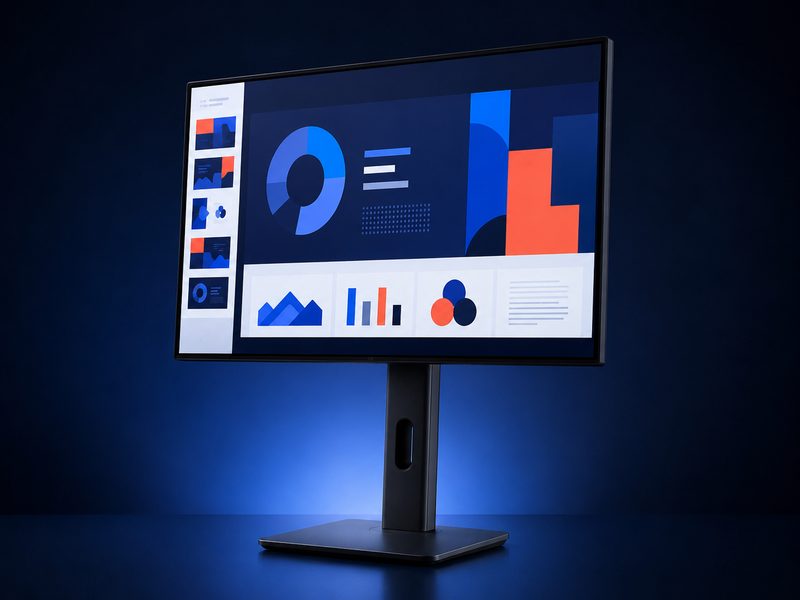
ASUS ProArt PA278CV 27-inch factory-calibrated QHD monitor in a home office
27" IPS1440p QHDFactory CalibratedUSB-C 65W

For professionals whose work touches color — marketing decks, product photos, brand assets — the PA278CV brings factory-calibrated precision to an office-friendly price. Home-office roundups consistently name it the calibrated pick that’s hard to beat at its price point. The 27-inch 1440p IPS panel is the productivity sweet spot for screen real estate, USB-C with 65W power delivery handles laptop docking, and the fully adjustable stand covers height, tilt, swivel, and pivot for proper ergonomics.

Pros

  • Factory calibration at a mainstream price
  • USB-C with 65W laptop charging
  • Fully ergonomic stand
  • 1440p sweet spot for productivity

Cons

  • 65W won't fast-charge larger laptops
  • Not 4K — text less sharp than premium picks
  • Modest HDR
3
Best Value 4K USB-C

LG 27UP850K-W

$$
LG 27UP850K-W 27-inch 4K USB-C monitor with 90W power delivery
27" IPS4K UHD90W USB-C PD95% DCI-P3HDR400

The value 4K USB-C benchmark: specialist USB-C roundups highlight the 27UP850K for combining a 27-inch 4K IPS panel with 90W power delivery — enough to charge most workhorse laptops at full speed — plus 95% DCI-P3 coverage and HDR400 support. It hits the exact intersection most remote workers should target: 4K text sharpness for documents and dashboards, real single-cable docking wattage, and credible color, all without the flagship hub premium.

Pros

  • 4K sharpness + 90W PD at a mid-tier price
  • 95% DCI-P3 color coverage
  • Single-cable docking for most laptops
  • Ergonomic height/tilt/pivot stand

Cons

  • Smaller USB hub than premium rivals
  • HDR400 is entry-level
  • Standard 60 Hz refresh
4
Best for Video Conferencing

HP E27m G4

$$
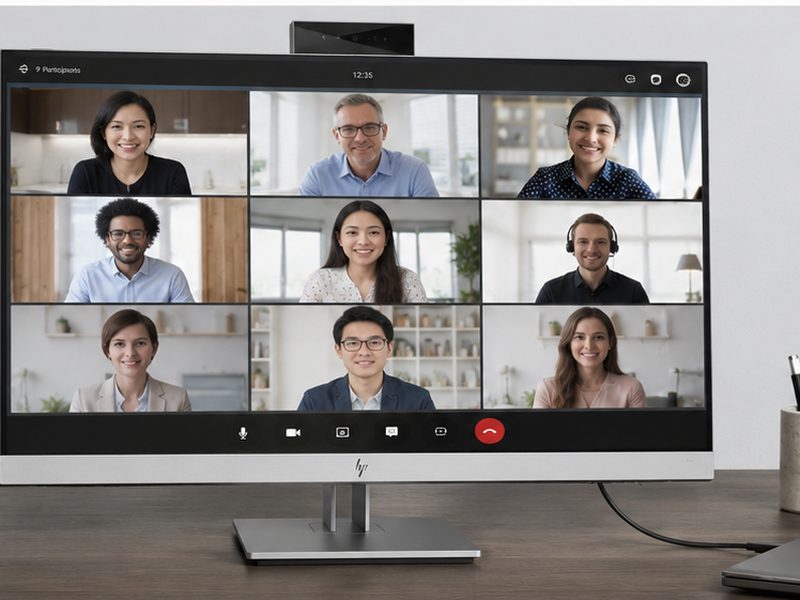
HP E27m G4 conferencing monitor with integrated pop-up webcam and microphones
27" QHDBuilt-in 5MP WebcamDual Noise-Cancelling MicsUSB-C

If your workday lives in video calls, the E27m G4 consolidates the whole conferencing stack into the display: a 27-inch QHD panel with an integrated 5MP webcam, dual noise-cancelling microphones, and speakers — no clamp-on camera, no desk mic, no clutter. USB-C roundups name it the best home-office pick for exactly this reason. The camera and speakers are workmanlike rather than spectacular, but having everything built in transforms a cramped desk into a clean, meeting-ready setup.

Pros

  • Integrated 5MP webcam + dual noise-cancelling mics
  • Eliminates webcam and speaker clutter
  • QHD sharpness for documents and calls
  • USB-C single-cable convenience

Cons

  • Camera quality is serviceable, not premium
  • Speakers are adequate rather than impressive
  • Less appealing if you rarely take video calls
5
Best Budget USB-C

BenQ GW2786TC

$
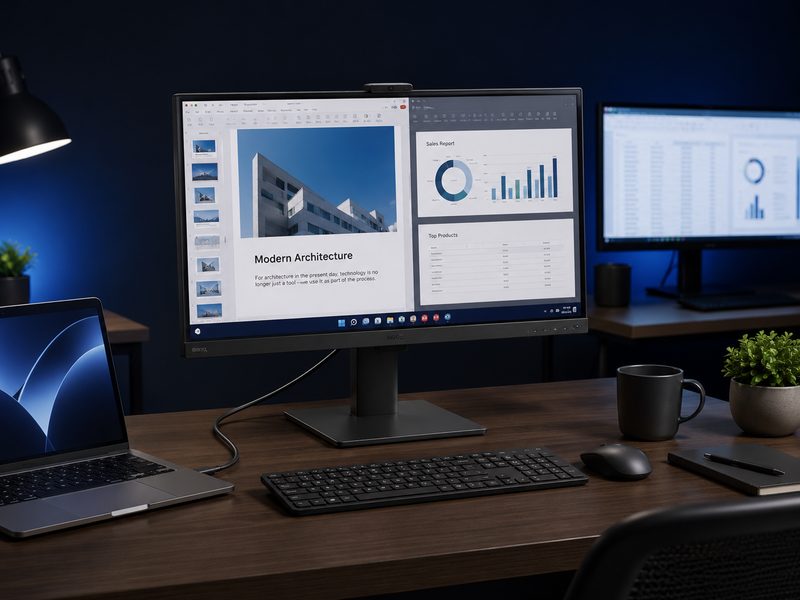
BenQ GW2786TC budget USB-C monitor connected to a laptop with one cable
27" IPS1080pUSB-C 65WDisplayPort-Out Daisy-ChainSpeakers + Mic

PCWorld’s best budget USB-C monitor. The GW2786TC packs features normally reserved for pricier displays: USB-C with 65W power delivery for one-cable laptop docking, DisplayPort-out for daisy-chaining a second monitor — genuinely rare at this price — plus built-in speakers, a noise-cancelling microphone, and an ambient light sensor. Marketed as a MacBook companion but equally at home with Windows and Chromebooks, it’s the budget pick that doesn’t feel like a compromise.

Pros

  • USB-C 65W docking at a budget price
  • DisplayPort-out daisy-chaining — rare in this tier
  • Built-in speakers, mic, and light sensor
  • Great value for laptop-first workers

Cons

  • 1080p resolution at 27 inches shows soft text
  • No adaptive sync
  • Basic contrast and HDR
6
Best Budget Ergonomic

Acer Vero B247Y G

$
Acer Vero B247Y G 24-inch budget monitor on a fully adjustable ergonomic stand
24" IPS1080pHeight/Tilt/Swivel/PivotEye-Care Features

PCWorld’s pick for budget-conscious home offices nails the one thing cheap monitors always skip: the stand. The Vero B247Y G’s exceptional ergonomic stand adjusts for height, tilt, swivel, and pivot, letting you maintain proper posture through long workdays — an adjustment range that routinely costs double elsewhere. The 24-inch 1080p IPS panel is sharp at this size, and eye-care features round out a display that treats your body right on a tight budget.

Pros

  • Full four-way ergonomic stand at a budget price
  • 24" 1080p keeps pixel density respectable
  • IPS viewing angles and color
  • Eye-comfort features for long sessions

Cons

  • No USB-C connectivity
  • 1080p limits multitasking real estate
  • Basic feature set otherwise

Quick Comparison

MonitorBest ForSizeResolutionUSB-C PDStandout FeatureTier
Dell UltraSharp U3225QEBest overall31.5"3840×2160Up to 140WThunderbolt hub + 120 Hz$$$
ASUS ProArt PA278CVColor-aware pros27"2560×144065WFactory calibration$$
LG 27UP850K-WValue 4K USB-C27"3840×216090W4K + 90W for the money$$
HP E27m G4Video conferencing27"2560×1440YesBuilt-in webcam + mics$$
BenQ GW2786TCBudget USB-C27"1920×108065WDaisy-chain DP-out$
Acer Vero B247Y GBudget ergonomic24"1920×1080NoFour-way ergonomic stand$

How We Choose

Every recommendation on this page is grounded in published lab testing and hands-on reviews from independent outlets, cross-referenced against real-world owner feedback. We never accept payment for placement, and we never fabricate scores or specifications.

Independent Test Data

We synthesize measurements and verdicts from professional review labs—response times, color accuracy, brightness, and build quality—rather than relying on manufacturer marketing claims.

Value Across Tiers

Each list spans budget ($) to premium ($$$) so there’s a genuine recommendation at every spend level, not just flagship halo products.

Real-World Fit

Specs only matter in context. We weigh how each pick performs for its intended use case—and call out the trade-offs honestly in every cons list.

Kept Current

Display tech moves fast. We revisit these picks as new panels ship and prior recommendations are superseded, so this page reflects the current market.

Frequently Asked Questions

How much USB-C power delivery do I need?
Match it to your laptop's charger: 65W covers most ultrabooks and MacBook Airs, 90–100W handles larger machines like 16-inch pro laptops under moderate load, and 140W (available on Dell's flagship UltraSharps) fast-charges even the most power-hungry mobile workstations. Under-wattage still charges — just slowly, and possibly not while under heavy load.
Is 4K necessary for office work?
Not necessary, but it's the single biggest text-clarity upgrade available, and sharp text reduces eye fatigue over long days. If your budget forces a choice, 27-inch 1440p is the proven productivity sweet spot; 27-inch 1080p is serviceable but visibly softer. Skip 32-inch 1080p entirely.
What eye-care features actually matter?
Flicker-free backlighting (eliminates PWM flicker that causes fatigue) and a hardware low-blue-light mode are the two with real impact. Beyond the monitor, positioning matters just as much: screen top at or slightly below eye level, roughly arm's length away, with ambient lighting balanced against screen brightness — and follow the 20-20-20 rule during long sessions.
Should I get one big monitor or two smaller ones?
One 27–32-inch 4K display suits focused work with occasional side-by-side windows, and modern window-snapping makes it feel like multiple screens. Dual monitors win for genuinely parallel workflows — reference material on one, work on the other — or when you full-screen apps constantly. Monitors with DisplayPort-out (like the BenQ GW2786TC) make dual setups a single-cable affair via daisy-chaining.
Do built-in webcams and speakers replace dedicated hardware?
For everyday meetings, yes — a display like the HP E27m G4 delivers perfectly presentable call quality while eliminating desk clutter. Content creators, streamers, and anyone on camera for a living will still want a dedicated webcam and microphone; integrated conferencing hardware prioritizes convenience over broadcast quality.

Upgrade Your Workday

Browse the full range of USB-C and productivity monitors for home offices and workstations.

Shop All Office Monitors →

Tech Cluster

Camera Gear Cell Phone Plans Compare Internet Computer Gear