Affiliate Disclosure: This site contains affiliate links. We may earn a commission at no extra cost to you when you purchase through these links. All recommendations are based on research and editorial judgment.
HomeCategories › Portable Monitors

The Best Portable Monitors of 2026

A second screen that fits in your laptop bag changes how you work anywhere. These six portable displays lead the category for travel, remote work, gaming, and giant-screen collaboration.

Updated July 2026 · Research-Backed Picks
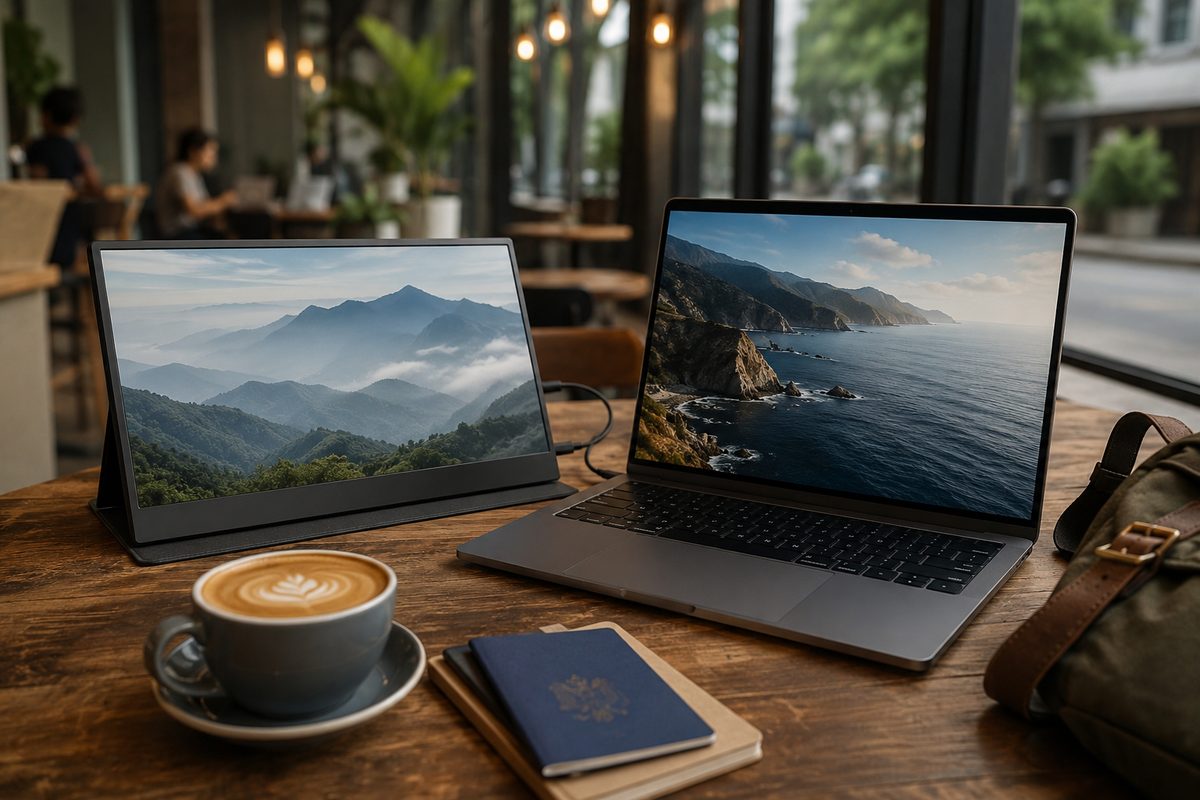
Portable USB-C monitor extending a laptop workspace at a coffee shop table

Our Top Picks at a Glance

  1. espresso Display 15 Touch — Best Overall
  2. ViewSonic ColorPro VP16-OLED — Best Portable OLED
  3. ViewSonic TD1656-2K — Best Sweet-Spot Pick
  4. Arzopa Z1RC — Best Budget 2.5K
  5. Arzopa Z3FC — Best for Portable Gaming
  6. ASUS ZenScreen MB27ACF — Best Large-Format Portable

Portable monitors graduated from novelty to necessity: remote workers, digital nomads, and traveling professionals now treat a second screen as standard kit. The 2026 field spans polished touchscreen flagships, Pantone-validated portable OLED, high-refresh gaming panels, and even a 27-inch display that folds flat for meeting rooms. We distilled testing from RTINGS, PCWorld, Tom’s Hardware, and TechRadar into the six picks that dominate their niches — all connecting over a single USB-C cable.

1
Best Overall

espresso Display 15 Touch

$$$
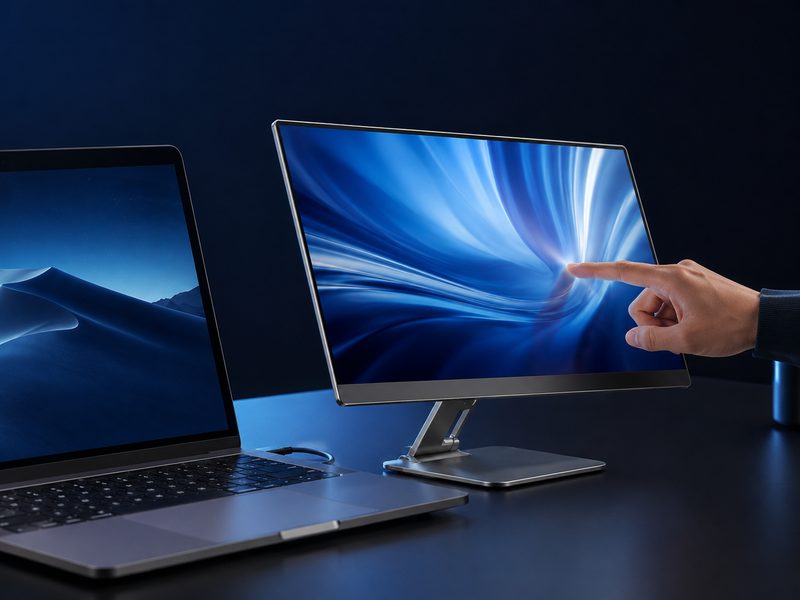
espresso Display 15 Touch portable monitor with slim aluminum body and stand
15" TouchscreenWindows + macOS TouchAuto-RotatePremium Build

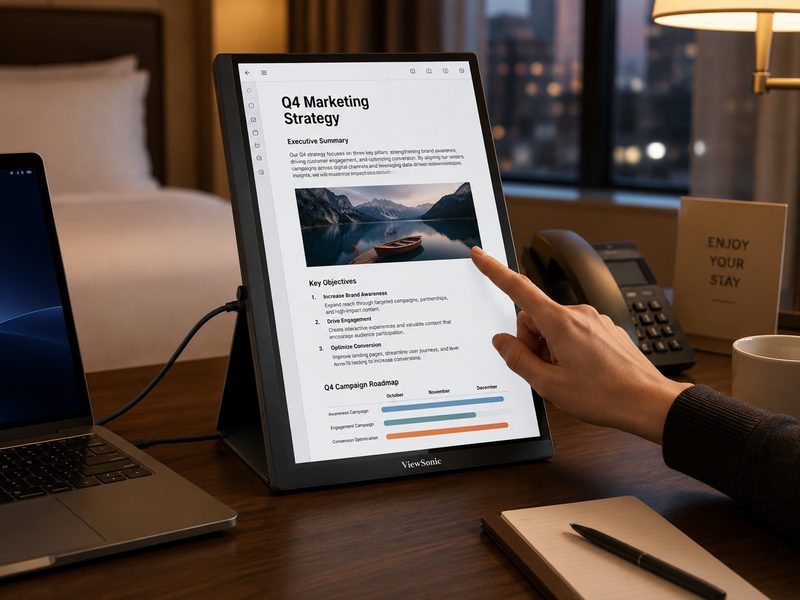
RTINGS’ best portable monitor of 2026. The espresso Display 15 Touch pairs the best picture quality the lab has measured in a portable with a genuinely responsive touchscreen that works on both Windows and macOS — rare in this category — plus auto-rotation into portrait mode. Its accessory ecosystem elevates it further: a proper stand lifts it to ergonomic height, and a kickstand case covers travel. Build quality is Apple-adjacent, and it looks the part next to a MacBook. The premium price buys the most refined portable display experience available.

Pros

  • Best-in-class picture quality for a portable
  • Responsive touch on Windows and macOS
  • Auto-rotating portrait mode
  • Excellent stand and case ecosystem

Cons

  • Premium pricing
  • Best purchased direct from espresso
  • Accessories sold separately add up
2
Best Portable OLED

ViewSonic ColorPro VP16-OLED

$$
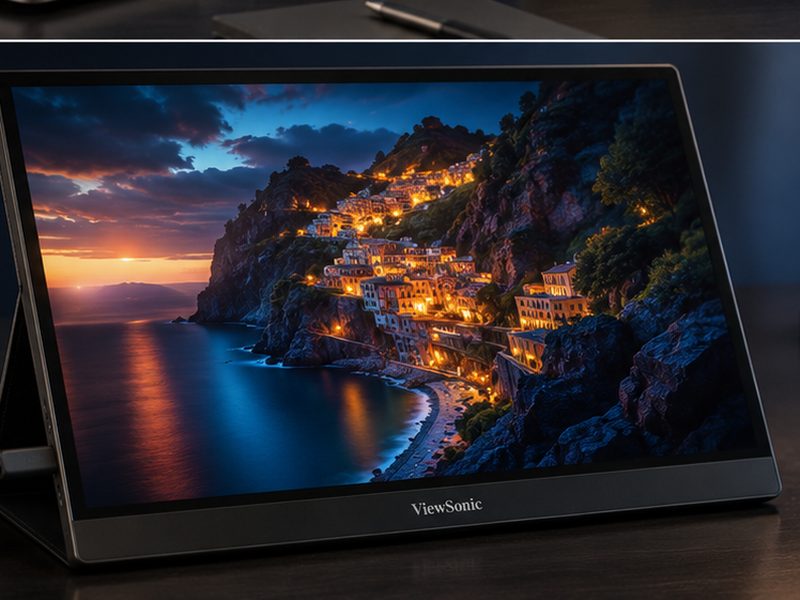
ViewSonic ColorPro VP16-OLED portable monitor showing deep-contrast imagery
15.6" OLEDPantone Validated40W USB-CBuilt-in Stand

PCWorld calls the VP16-OLED remarkable for professionals who want a transportable setup worthy of real work, and specialist roundups crown it the best portable pick outright. The 15.6-inch OLED panel delivers perfect blacks and Pantone-validated color that no portable LCD can approach — making it the traveling photographer’s and colorist’s field monitor of choice. An integrated ergonomic stand folds flat for transit, and 40W USB-C passthrough keeps your laptop topped up while connected.

Pros

  • True OLED contrast in a portable form factor
  • Pantone-validated color accuracy
  • Clever integrated ergonomic stand
  • USB-C power passthrough

Cons

  • OLED brightness trails LCD rivals outdoors
  • Pricier than LCD portables
  • 16:9 only — no ultra-tall modes
3
Best Sweet-Spot Pick

ViewSonic TD1656-2K

$$
ViewSonic TD1656-2K 16-inch 2K touchscreen portable monitor
16" IPS Touch2560×160016:10Touchscreen

Tom’s Hardware calls the TD1656-2K the sweet spot of portable monitors, and the formula is simple: a roomy 16-inch IPS panel at a generous 2560×1600 — the 16:10 aspect gives you meaningfully more vertical workspace than 1080p rivals — plus touchscreen input, at a price that undercuts the flagships. For remote workers who want maximum usable screen and sharpness per dollar without OLED or premium-brand tax, this is the one to beat.

Pros

  • Sharp 2560×1600 on a 16-inch panel
  • 16:10 aspect adds valuable vertical space
  • Touchscreen input
  • Excellent size-sharpness-price balance

Cons

  • IPS contrast can't match the OLED pick
  • Larger footprint than 14–15" rivals
  • Touch requires the right cable setup
4
Best Budget 2.5K

Arzopa Z1RC

$
Arzopa Z1RC 16-inch 2.5K budget portable monitor beside a laptop
16" IPS2560×1600Slim & LightUSB-C + Mini HDMI

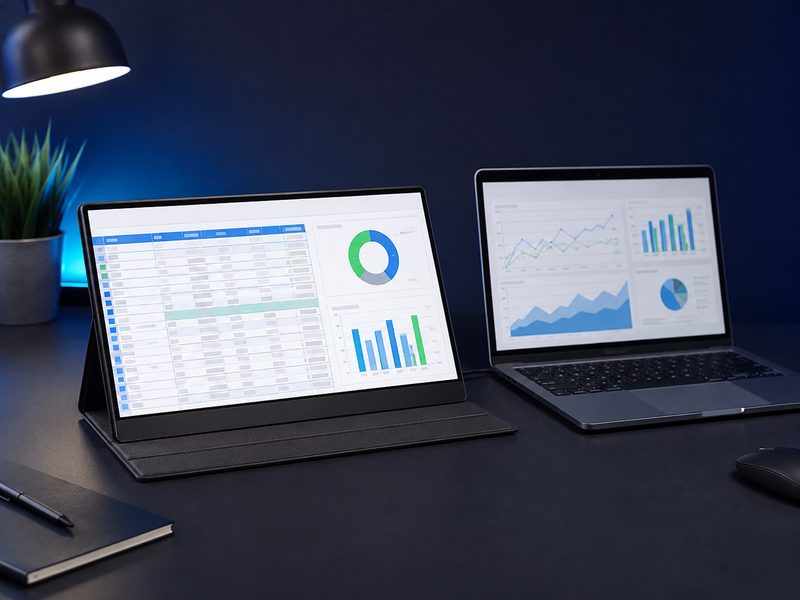
TechRadar’s top overall portable pick on pure value: the Z1RC delivers an impressive 2.5K (2560×1600) resolution on a 16-inch panel at a price most competitors charge for 1080p. Testing found excellent picture quality with vibrant color — unusual praise at this tier. It’s the recommendation for anyone who wants a genuinely sharp second screen for documents, dashboards, and media without spending flagship money, and its slim build disappears into a laptop bag.

Pros

  • 2.5K sharpness at a budget price
  • Vibrant, accurate color for the tier
  • Slim, travel-friendly build
  • USB-C and mini-HDMI flexibility

Cons

  • No touchscreen
  • Folio stand is less stable than built-in kickstands
  • Modest brightness for outdoor use
5
Best for Portable Gaming

Arzopa Z3FC

$$
Arzopa Z3FC 180Hz portable gaming monitor connected to a handheld console
16.1" IPS2560×1440180 HzHandheld & Console Ready

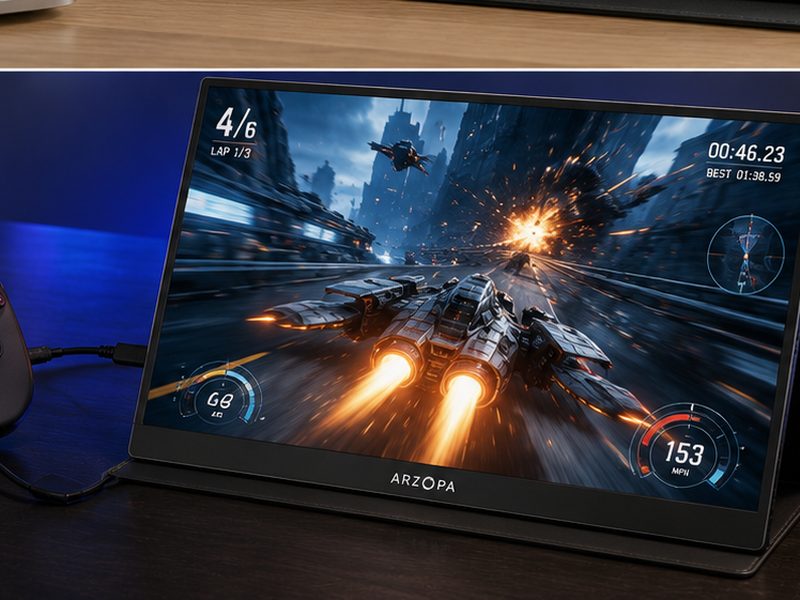
Reviewed by Tom’s Hardware and named by PCWorld as the pick for mobile gamers: the Z3FC pushes a 16.1-inch 1440p IPS panel to 180 Hz in a slim, light package. That combination turns a Steam Deck dock, travel laptop, or console into a legitimate high-refresh gaming station anywhere there’s a power bank. PCWorld notes it’s priced above basic portables — but nothing else this portable delivers 1440p at 180 Hz for competitive-feeling play on the road.

Pros

  • 1440p at 180 Hz — genuine gaming speed
  • Slim and light for the spec
  • Great with handhelds, laptops, and consoles
  • Sharp for productivity between sessions

Cons

  • Costs more than standard portables
  • Needs a capable source to hit high frame rates
  • IPS contrast is ordinary
6
Best Large-Format Portable

ASUS ZenScreen MB27ACF

$$$
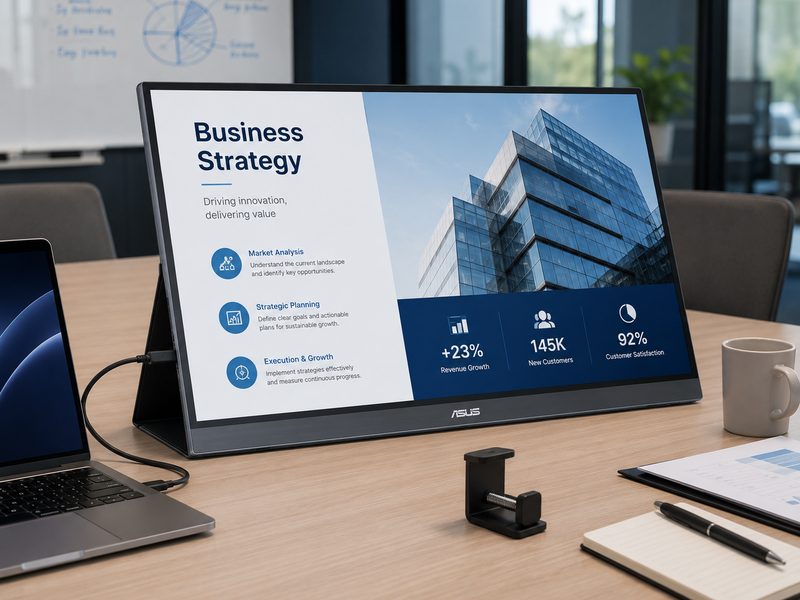
ASUS ZenScreen MB27ACF 27-inch portable monitor with kickstand and C-clamp
27" IPSKickstand + C-ClampMeeting-Room ReadySlim Profile

PCWorld’s pick for professionals who need a big display that moves: the MB27ACF is an unusually large 27-inch portable designed to shuttle between meeting rooms, offices, and shared workspaces. A built-in kickstand, included C-clamp stand, and even cubicle mounting brackets cover every deployment, and the slim, light chassis makes repositioning effortless. It trades pixel density for sheer collaborative canvas — the right call for presentations, pair work, and flexible office setups, if not for spec-sheet purists.

Pros

  • Huge 27-inch canvas that still travels
  • Kickstand, C-clamp, and mounting brackets included
  • Ideal for presentations and shared workspaces
  • Slim and light for its size

Cons

  • Resolution is modest for the panel size
  • Too large for airline tray tables
  • Premium price for the category

Quick Comparison

MonitorBest ForSizeResolutionPanelStandout FeatureTier
espresso Display 15 TouchBest overall15"High-resIPS TouchTouch + accessory ecosystem$$$
ViewSonic VP16-OLEDPortable OLED / color work15.6"1920×1080OLEDPantone-validated color$$
ViewSonic TD1656-2KSweet-spot value16"2560×1600IPS Touch2K 16:10 touchscreen$$
Arzopa Z1RCBudget 2.5K16"2560×1600IPS2.5K for budget money$
Arzopa Z3FCPortable gaming16.1"2560×1440IPS180 Hz refresh$$
ASUS ZenScreen MB27ACFLarge-format / meetings27"StandardIPS27" that moves anywhere$$$

How We Choose

Every recommendation on this page is grounded in published lab testing and hands-on reviews from independent outlets, cross-referenced against real-world owner feedback. We never accept payment for placement, and we never fabricate scores or specifications.

Independent Test Data

We synthesize measurements and verdicts from professional review labs—response times, color accuracy, brightness, and build quality—rather than relying on manufacturer marketing claims.

Value Across Tiers

Each list spans budget ($) to premium ($$$) so there’s a genuine recommendation at every spend level, not just flagship halo products.

Real-World Fit

Specs only matter in context. We weigh how each pick performs for its intended use case—and call out the trade-offs honestly in every cons list.

Kept Current

Display tech moves fast. We revisit these picks as new panels ship and prior recommendations are superseded, so this page reflects the current market.

Frequently Asked Questions

How do portable monitors connect and get power?
Most run entirely over a single USB-C cable carrying both video (DisplayPort Alt Mode) and power from your laptop. If your laptop lacks USB-C video-out, mini-HDMI inputs are common — you'll then power the monitor separately via USB. Expect a portable display to draw meaningfully on your laptop battery when bus-powered.
Should I buy a portable monitor with a built-in battery?
Generally no. PCWorld's testing guidance is blunt on this: batteries add cost, weight, and bulk, and a standard power bank powers a battery-free portable monitor for less money with more flexibility. The exception is niche gaming models where untethered play is the whole point.
Are portable monitors good enough for color work?
Most are built for convenience, not accuracy — but the ViewSonic VP16-OLED is the exception, with Pantone-validated color and OLED contrast that make it a legitimate field reference for photographers and editors. For everything else, treat portables as productivity extensions rather than grading displays.
What size portable monitor should I get?
15–16 inches is the sweet spot: it matches your laptop's screen height, fits laptop bags, and works on airline trays and café tables. 14-inch models favor ultralight travel; 17-inch+ and jumbo options like the 27-inch ZenScreen trade portability for workspace and suit hotel rooms, offices, and meeting spaces rather than transit use.
Can I use a portable monitor with a phone, tablet, or game console?
Often, yes. Phones and tablets with USB-C DisplayPort Alt Mode (many Android flagships and iPads) drive them directly, and consoles or handhelds connect via HDMI with separate USB power. High-refresh models like the Arzopa Z3FC are particularly popular as Steam Deck and Switch companions — check input compatibility before buying.

Take Your Workspace Anywhere

Browse the full range of USB-C portable displays for travel, work, and gaming.

Shop All Portable Monitors →

Tech Cluster

Camera Gear Cell Phone Plans Compare Internet Computer Gear