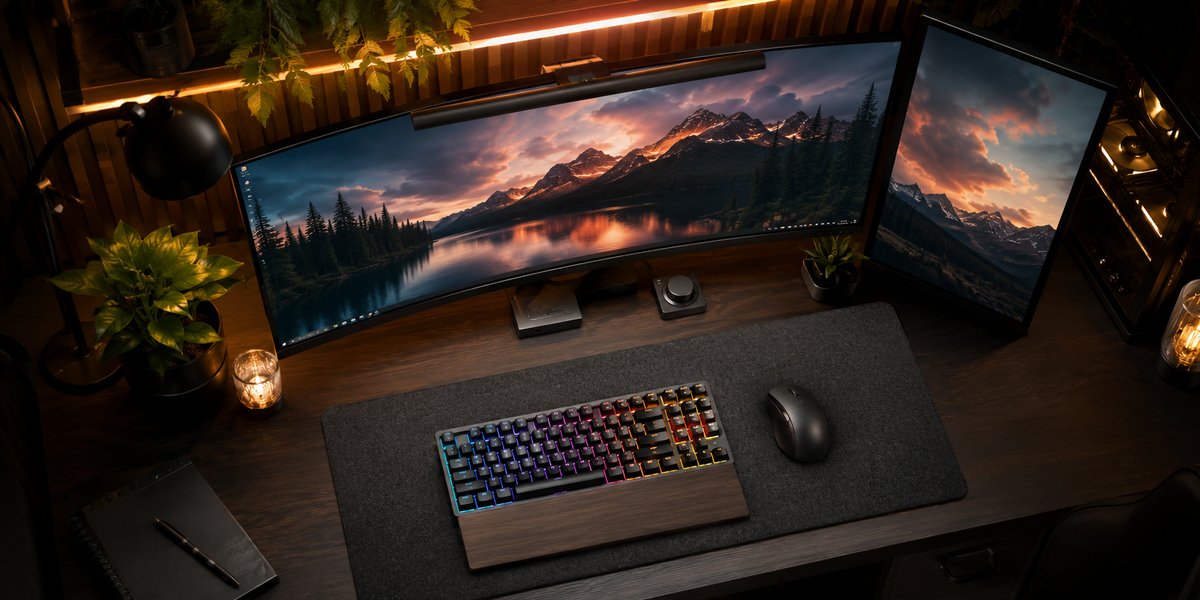
Find Your Perfect Monitor
In-depth buying guides, spec breakdowns, and expert recommendations for gaming, creative work, office productivity, and everything in between.
Explore Categories ↓
In-depth buying guides, spec breakdowns, and expert recommendations for gaming, creative work, office productivity, and everything in between.
Explore Categories ↓Whether you need blistering refresh rates for competitive gaming or pixel-perfect color accuracy for design work, we have you covered.
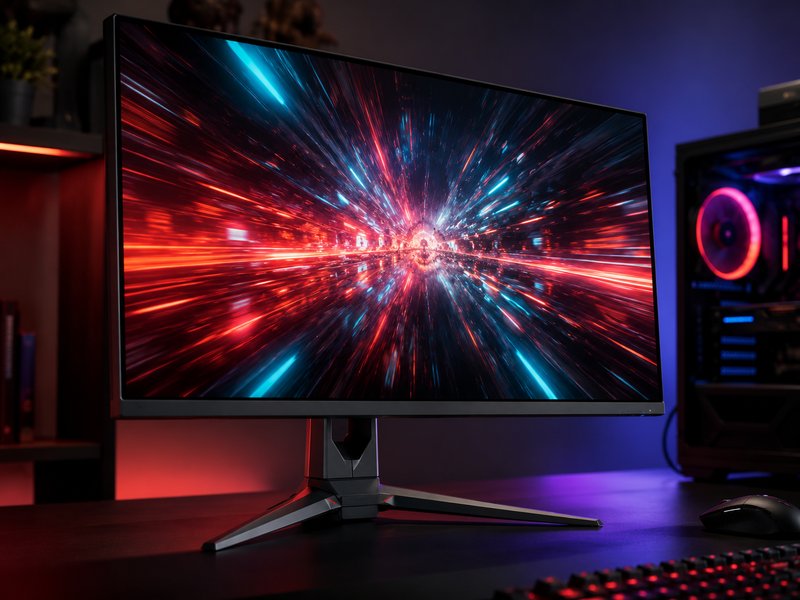
High refresh rates up to 360 Hz, fast response times under 1 ms, and adaptive sync technology for buttery-smooth gameplay without screen tearing.
See Our Ranked Gaming Picks →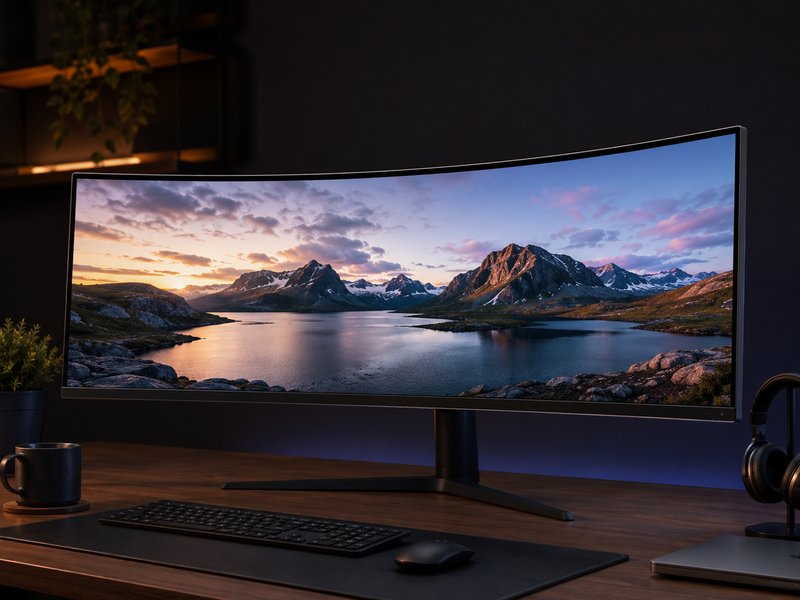
21:9 and 32:9 aspect ratios for immersive multitasking and cinematic gaming. Replace your dual-monitor setup with a single expansive display.
See Our Ranked Ultrawide Picks →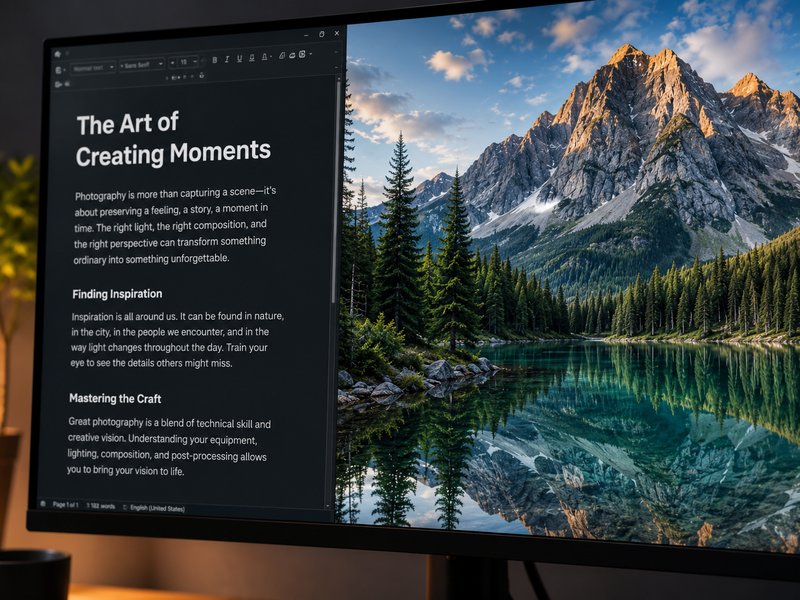
Crisp text, stunning detail, and massive screen real estate at 3840×2160 and beyond. Essential for photo editing, video work, and anyone who values clarity.
See Our Ranked 4K Picks →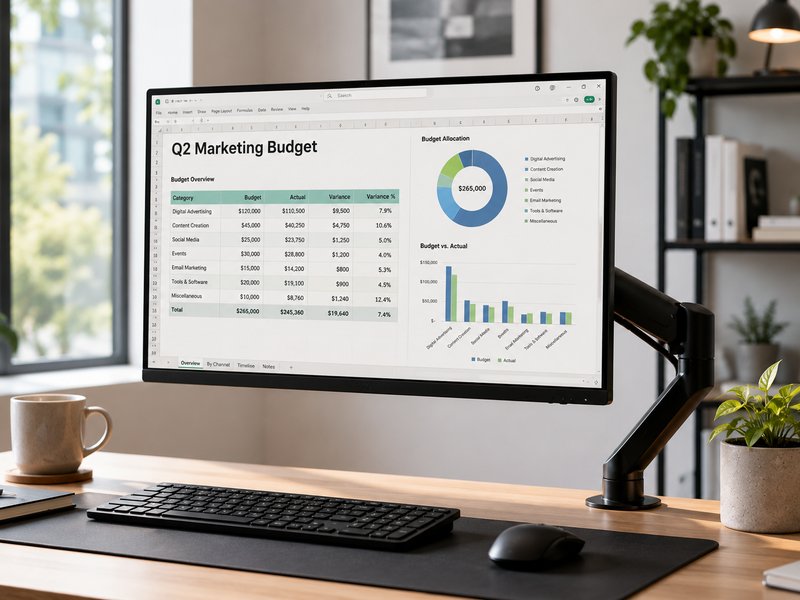
Eye-care features like flicker-free backlights and blue light filters, USB-C connectivity for laptop docking, and ergonomic stands for all-day comfort.
See Our Ranked Office Picks →
Lightweight second screens from 13 to 17 inches that connect over a single USB-C cable. Perfect for remote workers, digital nomads, and travel setups.
See Our Ranked Portable Picks →
Free up desk space, achieve perfect ergonomic positioning, and keep cables tidy with single, dual, and triple monitor arms for any VESA-compatible display.
See Our Ranked Arms & Stands Picks →Choosing a monitor can feel overwhelming with so many specs, panel types, and features to compare. Here’s everything you actually need to know.
Resolution determines how sharp your image looks. More pixels mean finer detail, crisper text, and more screen real estate for multitasking. But higher resolution also demands more GPU power, especially in games.
1080p (1920×1080) remains the sweet spot for budget gaming monitors, especially at 24 inches. Text stays sharp and GPUs can push high frame rates without breaking a sweat. Once you go past 27 inches at 1080p, however, individual pixels become visible.
1440p (2560×1440) hits the ideal balance for most people. At 27 inches, it delivers noticeably sharper text and imagery than 1080p while remaining GPU-friendly enough for high-refresh gaming. This is the resolution we recommend most often.
4K (3840×2160) is the gold standard for content creation, photo editing, and media consumption. At 27–32 inches, the pixel density is extraordinary. For gaming at 4K, you’ll need a current-generation GPU to maintain playable frame rates at high settings.
5K and beyond targets professional workflows in photography, videography, and design. These panels typically carry premium pricing and require robust GPU setups.
Refresh rate (measured in Hz) tells you how many times per second the display updates its image. A 60 Hz monitor refreshes 60 times per second; a 165 Hz monitor refreshes nearly three times as often, producing visibly smoother motion.
60 Hz is adequate for office work, web browsing, and video playback. If you don’t play fast-paced games, this saves money without sacrificing usability.
144–165 Hz is where most gamers should aim. The jump from 60 to 144 Hz is dramatic—mouse movement feels immediate, scrolling is smoother, and competitive games become noticeably more responsive.
240–360 Hz targets esports competitors. The returns diminish past 165 Hz for casual users, but professionals in titles where every millisecond counts find the difference meaningful.
Response time (measured in ms) describes how quickly a pixel can change color. Slower response times cause ghosting—a trail behind moving objects. Look for 5 ms or under for general use, and 1 ms GtG (gray-to-gray) for competitive gaming.
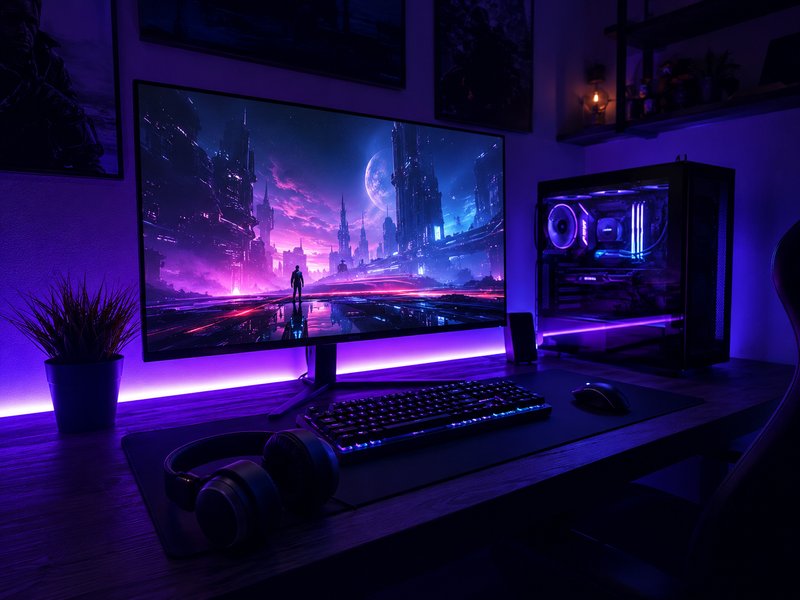
High Dynamic Range (HDR) expands the range of brightness and color a monitor can display, producing more lifelike images with brighter highlights and deeper shadows. But not all HDR implementations are equal.
HDR400 is the entry-level VESA certification and, frankly, makes minimal visible difference. Peak brightness of 400 nits is barely above SDR levels, and local dimming is usually absent.
HDR600 offers a meaningful step up with moderate peak brightness and often some form of local dimming, making HDR content look noticeably better than SDR.
HDR1000+ delivers the real HDR experience with peak brightness above 1000 nits and full-array local dimming (FALD). Content practically leaps off the screen, and the difference is immediately obvious in games, movies, and photo editing.
OLED and Mini-LED panels typically deliver the best HDR experience thanks to per-pixel or very fine-grained dimming zones, virtually eliminating the halo artifacts that plague edge-lit HDR monitors.
The panel technology behind your monitor affects color accuracy, viewing angles, contrast, and response time. Each type has distinct strengths.
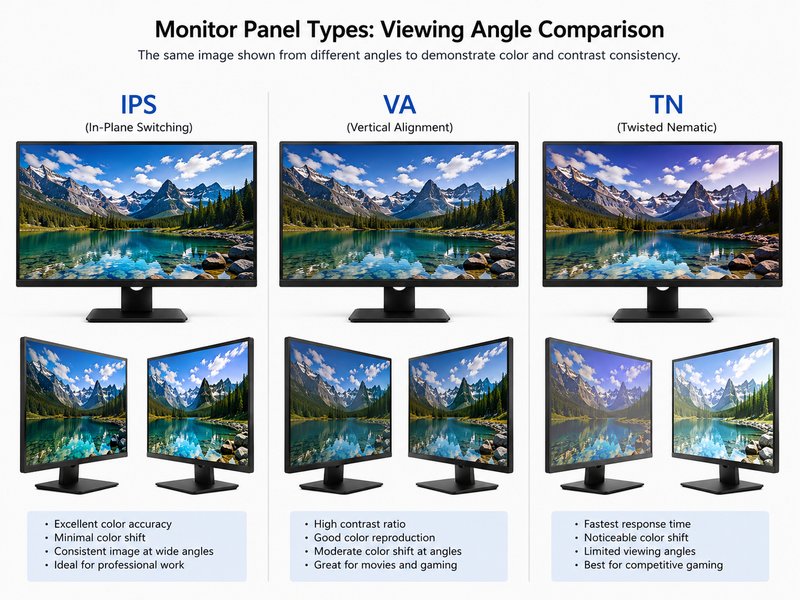
The most color-accurate panel technology available in LCD monitors. IPS panels maintain consistent colors and brightness even at extreme viewing angles, making them ideal for creative professionals and anyone who values image fidelity. Modern fast-IPS variants have closed the response time gap with TN panels, offering 1 ms GtG while retaining superior color reproduction.
VA panels excel at contrast ratio, typically achieving 3000:1 or higher versus the 1000:1 typical of IPS. This means deeper blacks and more visible shadow detail, making VA panels excellent for movies, atmospheric games, and working in dimly lit rooms. The trade-off is slightly narrower viewing angles and historically slower pixel transitions, though modern VA panels have improved significantly.
Once the default for gaming monitors due to the fastest native response times, TN panels have been largely superseded by fast-IPS alternatives. They offer the lowest input lag and response times but suffer from poor viewing angles and washed-out colors. Today, TN monitors primarily serve budget-conscious competitive gamers who prioritize speed above all else.
OLED (Organic Light-Emitting Diode) monitors represent the pinnacle of display technology. Each pixel produces its own light, enabling true blacks (infinite contrast ratio), instantaneous response times, and wide color gamuts that exceed even the best IPS panels. OLED monitors are increasingly available in gaming and creative-professional categories, though they carry premium pricing and require awareness of potential image retention (burn-in) during extended static use. For users who can accommodate the investment and usage considerations, OLED delivers an unmatched visual experience.
Cut through the marketing noise. Here’s what each specification actually means for your real-world experience.
Adaptive sync dynamically matches your monitor’s refresh rate to your GPU’s frame output, eliminating screen tearing and stuttering without the input lag penalty of traditional V-Sync. NVIDIA’s G-Sync and AMD’s FreeSync accomplish the same goal through different implementations. Most modern monitors support FreeSync, which also works with NVIDIA GPUs via the “G-Sync Compatible” designation. Dedicated G-Sync modules offer the widest variable refresh rate ranges and tend to carry a price premium.
Color gamut describes the range of colors a monitor can display. sRGB is the standard for web content; DCI-P3 covers a wider range used in cinema and modern game development; Adobe RGB is relevant to print photography. Coverage percentages matter: 100% sRGB is baseline for accurate everyday color; 95%+ DCI-P3 is desirable for video editing and design. Delta E (dE) measures color accuracy, with dE < 2 meaning differences are imperceptible to the human eye.
Your ports determine what you can connect and at what quality. HDMI 2.1 supports 4K at 120 Hz and is essential for current-gen console gaming. DisplayPort 1.4 handles 4K at 144 Hz with DSC (Display Stream Compression) and is the standard for PC gaming. USB-C with DisplayPort Alt Mode carries video, data, and up to 96W power delivery over a single cable—transformative for laptop users who want a one-cable dock experience. Check the wattage: 65W charges most ultrabooks; 96W handles larger laptops.
Proper monitor positioning prevents neck strain, eye fatigue, and headaches during long sessions. Look for stands offering four-way adjustability: height (at least 100 mm range), tilt (forward and back), swivel (left and right), and pivot (rotation to portrait mode). VESA mounting compatibility (75×75 or 100×100 mm patterns) lets you attach aftermarket arms for even greater flexibility. Eye-care features like flicker-free backlights and hardware blue-light filters reduce strain without the color distortion of software solutions.
Curved monitors wrap the image around your peripheral vision, reducing the distance difference between the center and edges of the screen. This creates a more immersive, natural-feeling viewing experience, especially at larger sizes. The curvature is measured in “R” values: 1800R means the screen is a segment of a circle with an 1800 mm radius. Lower R values = more curve. 1000R matches the natural curvature of the human eye and is ideal for immersive gaming; 1500R–1800R offers a subtler curve suitable for productivity.
Brightness is measured in nits (candelas per square meter). A monitor rated at 250–300 nits is adequate for dim or average office lighting. Bright rooms with overhead fluorescents or windows behind you demand 350+ nits to avoid a washed-out look. For HDR content, 600+ nits is the minimum for a meaningful improvement, and 1000+ nits delivers the full HDR experience. Anti-glare coatings help in bright environments but can add a slight graininess; glossy screens look sharper but reflect light sources.
Different workflows demand different monitor priorities. Here’s what to focus on for each scenario.
Gaming monitors prioritize speed and responsiveness. For competitive esports titles like first-person shooters and battle royales, refresh rate and response time are paramount. A 1440p 165 Hz IPS monitor represents the current sweet spot—sharp enough for immersive single-player titles, fast enough for competitive multiplayer, and GPU-friendly enough that modern mid-range cards can drive it comfortably. Pair with adaptive sync (G-Sync or FreeSync Premium) to eliminate tearing, and look for monitors with a measured input lag under 10 ms for the most responsive feel.
For immersive single-player gaming, consider a 34-inch ultrawide at 3440×1440 with a VA or OLED panel for superior contrast and HDR performance. The wider aspect ratio transforms exploration games and racing titles into panoramic experiences.
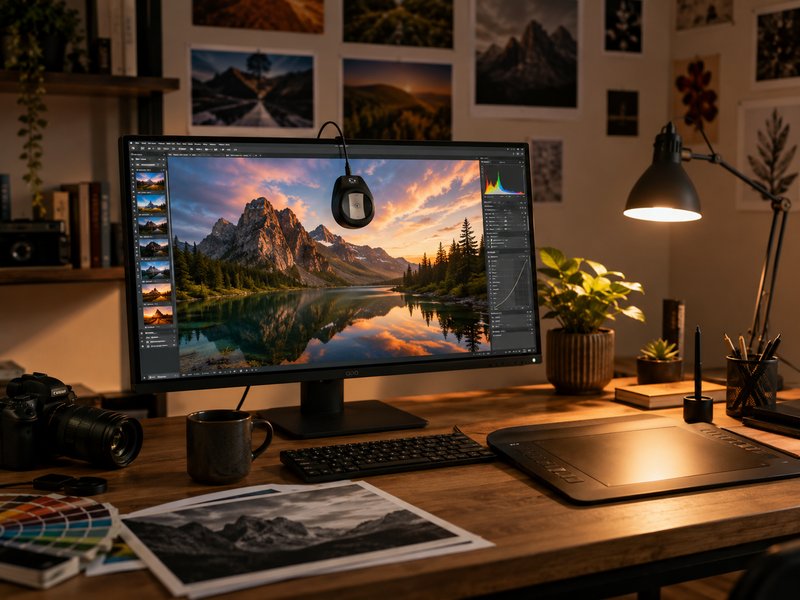
Photo editors, video colorists, and graphic designers need color accuracy above all. Look for monitors covering 100% sRGB and 95%+ DCI-P3 with a factory-calibrated Delta E under 2. Panel type matters here: IPS remains the professional standard for its consistent viewing angles, though OLED monitors are making inroads with superior contrast and color volume. A 4K resolution at 27–32 inches gives you the pixel density to evaluate fine detail in high-resolution images and video footage.
USB-C connectivity with 65W+ power delivery simplifies cable management for laptop-based workflows. Hardware calibration support (compatibility with external colorimeters) ensures your monitor stays accurate over time, which is non-negotiable for print and broadcast work.
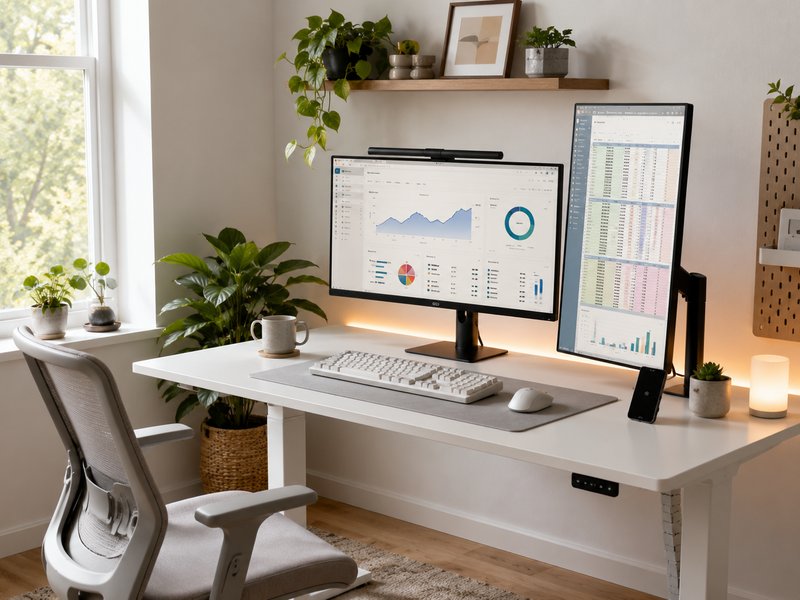
Office monitors should prioritize comfort during extended use and seamless connectivity. Flicker-free backlights and low blue-light modes are not marketing gimmicks—they meaningfully reduce eye strain during 8+ hour workdays. A 27-inch 1440p IPS panel offers a substantial productivity boost over 1080p with much more usable screen real estate for spreadsheets, documents, and side-by-side window management.
USB-C monitors that deliver 65W or more can serve as a single-cable laptop dock, passing video, data, ethernet (via USB hub), and power through one connection. For data-heavy roles, consider a dual-monitor setup with one horizontal and one vertical display—the portrait orientation is exceptional for long documents, code, and email triage.
Tech Cluster