Affiliate Disclosure: This site contains affiliate links. We may earn a commission at no extra cost to you when you purchase through these links. All recommendations are based on research and editorial judgment.
HomeCategories › Arms & Stands

The Best Monitor Arms & Stands of 2026

The highest-impact upgrade per dollar on any desk: perfect ergonomic positioning, reclaimed surface space, and a setup that finally looks intentional. These six arms are the ones that hold position for a decade.

Updated July 2026 · Research-Backed Picks
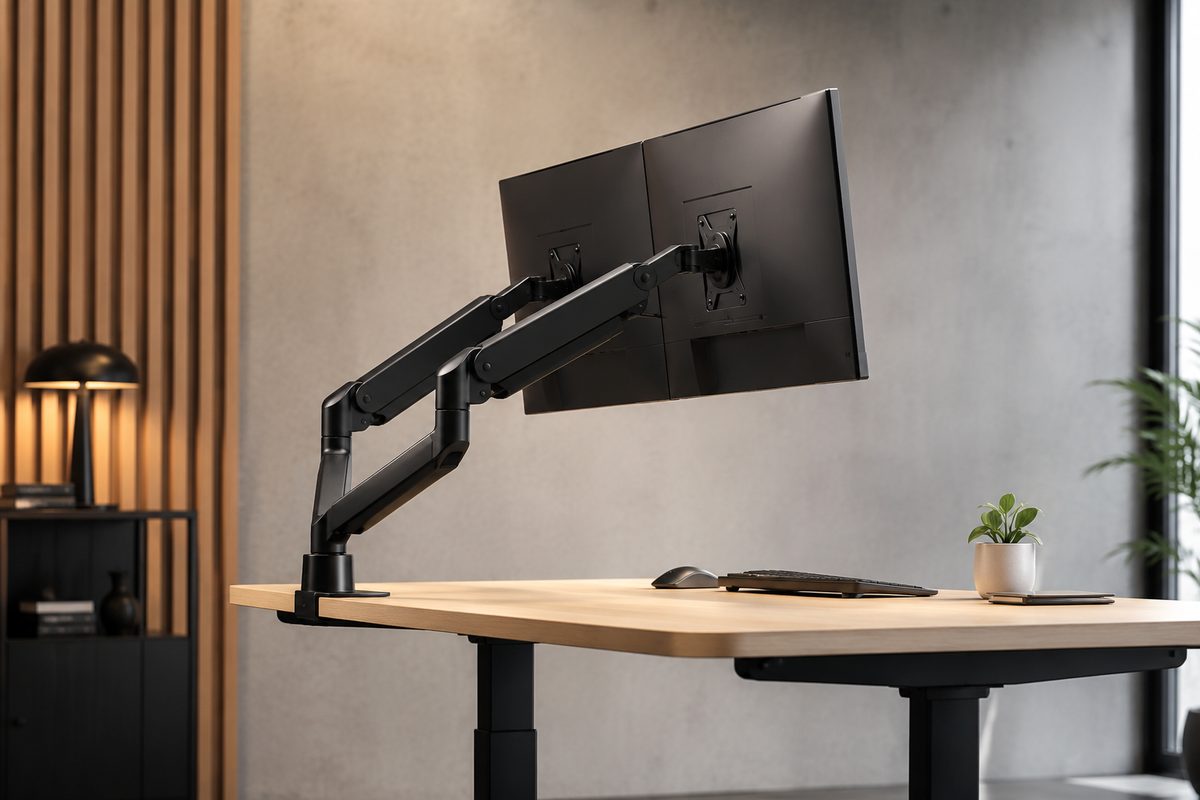
Dual monitor arms holding two displays in an ergonomic floating position over a clean desk

Our Top Picks at a Glance

  1. Ergotron LX — Best Overall (Single)
  2. Ergotron LX Dual — Best Dual-Monitor Arm
  3. Herman Miller Jarvis — Best Slim-Footprint Design
  4. Ergotron HX — Best Heavy-Duty / Ultrawide
  5. Herman Miller Flo — Best Premium Design
  6. HUANUO Dual Gas Spring Arm — Best Budget Dual

A quality monitor arm outlasts three monitor upgrade cycles — which is why buying right the first time matters. Cornell ergonomics research links correct monitor height to major reductions in reported neck strain, and a good arm is how you get there and stay there. The 2026 field is led by Ergotron’s commercial-grade mechanical springs and Herman Miller’s design-forward gas springs, with credible budget challengers underneath. We synthesized PCWorld’s tested rankings, Wirecutter’s long-running picks, and long-term owner reliability reports to rank the six arms worth bolting to your desk.

1
Best Overall (Single)

Ergotron LX

$$
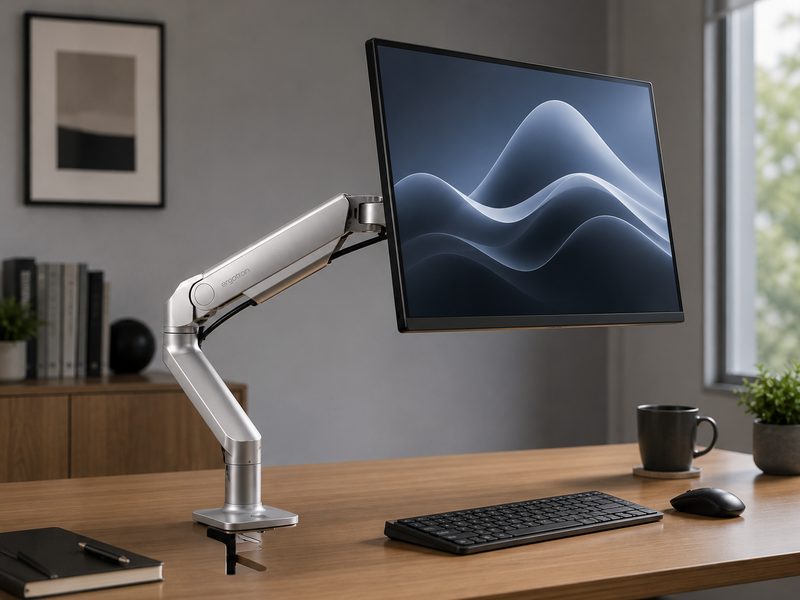
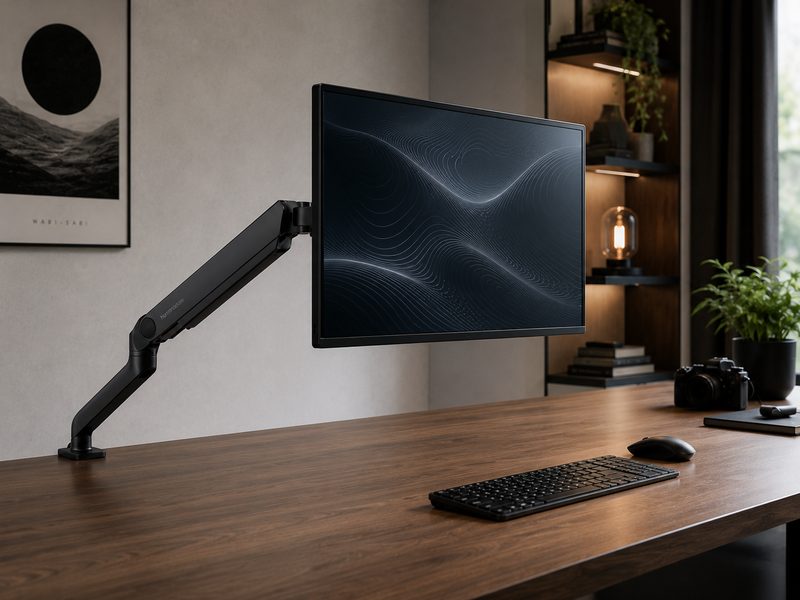
Ergotron LX single monitor arm holding a display in a floating ergonomic position
Single ArmMechanical Spring10-Year WarrantyCommercial Grade

The gold standard, full stop. The Ergotron LX’s legendary build quality and 10-year warranty anchor nearly every credible ranking of the category, and long-term reports show these arms surviving 12–15 years in commercial environments — outlasting several monitors. Its polished aluminum construction moves smoothly, holds position without drift, and handles the vast majority of 24–34-inch displays. If you want to buy one single-monitor arm and never think about it again, this is it.

Pros

  • Legendary build quality and longevity
  • 10-year warranty — commercial-grade design
  • Smooth, drift-free positioning
  • Fits the vast majority of desks and monitors

Cons

  • Costs more than budget spring arms
  • Utilitarian looks vs. design-brand rivals
  • Very heavy ultrawides need the HX instead
2
Best Dual-Monitor Arm

Ergotron LX Dual

$$$
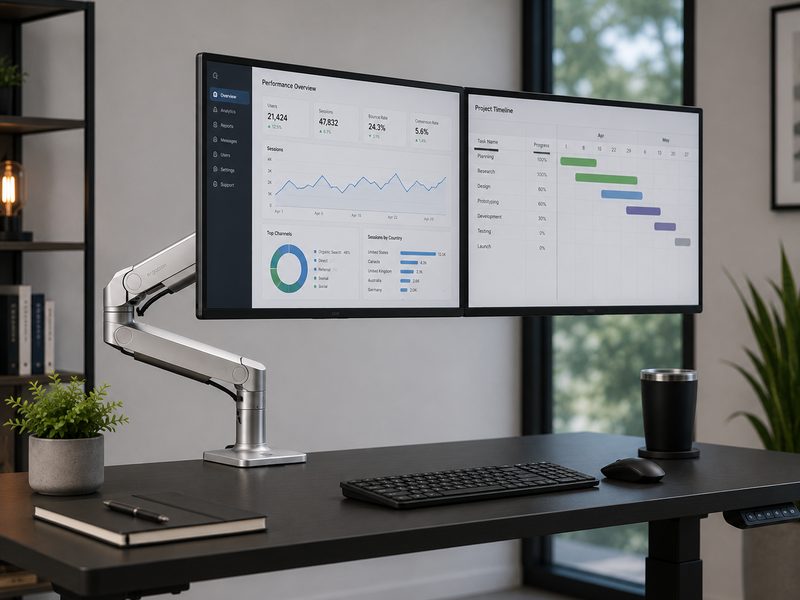
Ergotron LX Dual arm holding two monitors side by side over a standing desk
Dual ArmMechanical Spring — No Gas10-Year WarrantyWirecutter Multi-Year Pick

Wirecutter has named the LX Dual the best monitor arm for eight consecutive years, and its engineering explains why: it uses a mechanical spring rather than a gas cylinder, so there’s no pressure to leak and no sag to develop over years of use. Comparative testing consistently ranks it the top dual option, with the same 10-year warranty and commercial durability as its single-arm sibling. The per-arm size limit excludes ultrawides, but for standard dual setups nothing matches its stability-materials-lifespan combination.

Pros

  • Mechanical spring — no gas cylinder to degrade
  • Wirecutter's pick eight years running
  • Rock-solid with two standard monitors
  • 10-year warranty, decade-plus real lifespan

Cons

  • Premium price
  • Per-arm size limit rules out ultrawides
  • Overkill for lightweight small displays
3
Best Slim-Footprint Design

Herman Miller Jarvis

$$
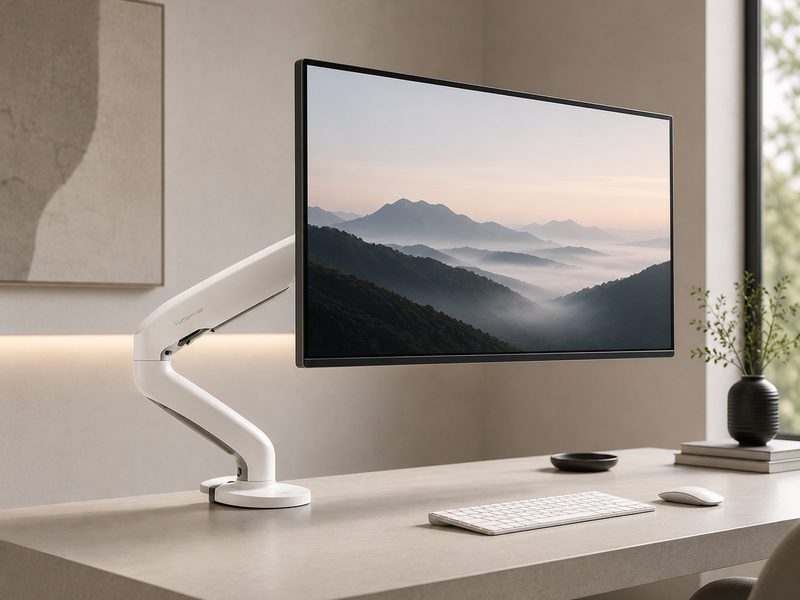
Herman Miller Jarvis monitor arm with minimal base footprint on a modern desk
Single Gas-SpringSlimmest Base Tested15-Year Warranty2.2–19.8 lb Range

Wirecutter’s top pick after testing 25 arms (formerly the Fully Jarvis before Herman Miller consolidated the line). Its claim to fame: the slimmest base footprint of any arm tested, maximizing usable desk surface, paired with generous reach — up to 19.8 inches of lift and 23.8 inches of extension — and a weight range covering most 24–32-inch monitors. The 15-year warranty is the longest in the category. Availability tip: buy direct from the Herman Miller store, as third-party listings frequently run out of stock.

Pros

  • Slimmest base footprint in the category
  • Category-leading 15-year warranty
  • Long reach and height range
  • Herman Miller design pedigree at a fair price

Cons

  • Gas spring vs. Ergotron's mechanical design
  • Tension adjustment needs the included hex key
  • Marketplace stock can be spotty — buy direct
4
Best Heavy-Duty / Ultrawide

Ergotron HX

$$$
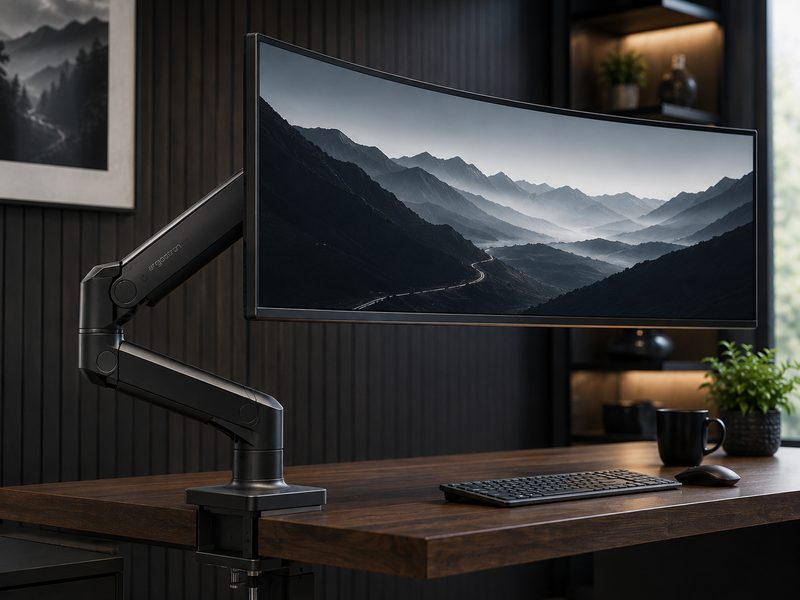
Ergotron HX heavy-duty arm supporting a large curved ultrawide monitor
Heavy-Duty SingleUltrawide & 49" ReadyQuick-Release HeadOverbuilt Clamp

When your monitor outweighs the mainstream, the HX is the arm reviewers reach for: purpose-built for ultrawides, big curved panels, and even TVs used as monitors, with a deliberately overbuilt desk clamp and a quick-release head that lets one person mount a massive display solo. 34-inch ultrawides sit comfortably inside its rating, and 45–49-inch super-ultrawides — which exceed the limits of nearly everything else on this page — are exactly what it’s engineered for.

Pros

  • Handles ultrawides and super-ultrawides with ease
  • Quick-release head for solo mounting
  • Overbuilt clamp keeps big panels planted
  • Ergotron commercial-grade longevity

Cons

  • Expensive
  • Physically massive for ordinary monitors
  • Heavy arm — check desk thickness and strength
5
Best Premium Design

Herman Miller Flo

$$$
Herman Miller Flo monitor arm with sculpted design holding a large display
Premium SingleDual-Spring Tech7–20 lbsUp to 43" Screens

PCWorld’s best upscale pick. The Flo carries Herman Miller’s full design pedigree — a sculpted, cable-hiding silhouette that turns the arm itself into a desk centerpiece — built on patented dual-spring technology supporting 7–20 lbs and screens up to 43 inches. Movement is effortless and precise in a way budget gas springs never quite match. For design-conscious offices and anyone who wants their setup to look as considered as it functions, this is the aspirational choice that still earns its keep mechanically.

Pros

  • Stunning industrial design
  • Patented dual-spring smoothness
  • Supports screens up to 43 inches
  • Premium cable management

Cons

  • Premium pricing
  • Capacity floor — very light monitors need setup care
  • Function-per-dollar trails the Ergotron LX
6
Best Budget Dual

HUANUO Dual Gas Spring Arm

$
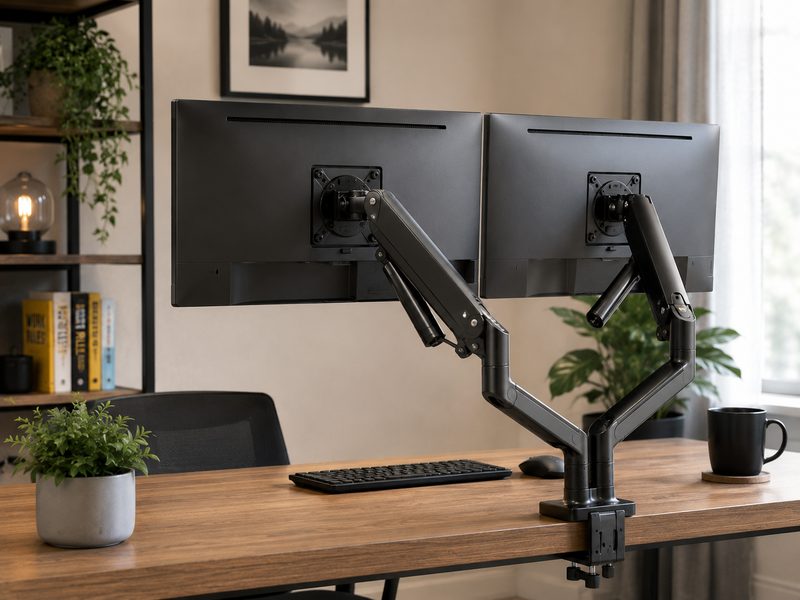
HUANUO dual gas spring monitor arm holding two displays on a budget desk setup
Dual Gas-SpringCategory Best-SellerTool-Free AdjustBudget King

The budget benchmark the expensive arms get compared against. HUANUO’s dual gas-spring arm is the category’s best-seller, and comparative testing repeatedly names it the best-value dual option with stability that embarrasses its price tag. It won’t match Ergotron’s decade-plus mechanical-spring longevity — gas cylinders eventually lose pressure — but for a fraction of the cost you get genuine full-motion dual-monitor ergonomics today. The smart pick for first arms, secondary desks, and tight budgets.

Pros

  • Full dual-monitor ergonomics at a budget price
  • Surprisingly stable for the money
  • Tool-free adjustments after setup
  • Huge value as a first monitor arm

Cons

  • Gas springs can sag after years of use
  • More plastic in the build than premium arms
  • Shorter warranty than Ergotron/Herman Miller

Quick Comparison

ArmBest ForTypeFits MonitorsWarrantyTier
Ergotron LXBest overall singleSingleMost 24–34"10 years$$
Ergotron LX DualBest dual setupDualTwo standard panels10 years$$$
Herman Miller JarvisSlim footprintSingle2.2–19.8 lbs (24–32")15 years$$
Ergotron HXUltrawide / heavy panelsHeavy-duty singleLarge & curved up to 49"10 years$$$
Herman Miller FloPremium designSingle7–20 lbs, up to 43"Multi-year$$$
HUANUO Dual Gas SpringBudget dualDualTwo standard panelsLimited$

How We Choose

Every recommendation on this page is grounded in published lab testing and hands-on reviews from independent outlets, cross-referenced against real-world owner feedback. We never accept payment for placement, and we never fabricate scores or specifications.

Independent Test Data

We synthesize measurements and verdicts from professional review labs—response times, color accuracy, brightness, and build quality—rather than relying on manufacturer marketing claims.

Value Across Tiers

Each list spans budget ($) to premium ($$$) so there’s a genuine recommendation at every spend level, not just flagship halo products.

Real-World Fit

Specs only matter in context. We weigh how each pick performs for its intended use case—and call out the trade-offs honestly in every cons list.

Kept Current

Display tech moves fast. We revisit these picks as new panels ship and prior recommendations are superseded, so this page reflects the current market.

Frequently Asked Questions

How do I know if my monitor works with an arm?
Check two things: the VESA pattern (flip the monitor — four threaded holes in a 75×75mm or 100×100mm square; nearly all 24-inch+ monitors have one) and the weight without its stand (find it in the spec sheet). A 27-inch panel typically lands under 10 lbs; 32-inch ultrawides can exceed 20 lbs and need heavy-duty arms like the Ergotron HX. Also verify your desk edge is clear for a clamp, or that the arm ships a grommet mount.
Are gas spring or mechanical spring arms better?
Mechanical springs (Ergotron LX line) are the longevity play — no gas cylinder means no pressure loss and no sag, which is why these arms survive 12–15 years in commercial use. Gas springs (Jarvis, HUANUO, most of the market) move beautifully and cost less, but the cylinder is a wear item over many years. For a decade-plus purchase, mechanical wins; for value today, quality gas springs are excellent.
What height should my monitor actually be?
Ergonomics guidance converges on the same target: the top of the screen at or slightly below eye level, screen center roughly 15–20 degrees below your sightline, at a viewing distance of about 20–40 inches. Cornell's ergonomics research associates correct positioning with substantially less reported neck strain than stock-stand slouching — which is the entire case for buying an arm.
Is a cheap monitor arm safe for an expensive monitor?
Quality budget arms like the HUANUO hold their rated weight safely — the risks are subtler: position drift, wobble when you touch the desk, and shorter lifespan as gas pressure fades. Never exceed the weight rating, and note that an oversized panel loads the mechanism unevenly even under the weight limit. For OLED and flagship displays, premium arms are cheap insurance.
Can one arm hold an ultrawide monitor?
Yes — but only arms rated for it. Standard 34-inch ultrawides fit heavy-duty single arms comfortably, while 45–49-inch super-ultrawides demand purpose-built mounts like the Ergotron HX with its overbuilt clamp. Dual arms like the Ergotron LX Dual are designed for two standard panels, not one ultrawide — check per-arm size limits before buying.

Get Your Screen Off the Desk

Browse the full range of single, dual, and heavy-duty monitor arms for any VESA display.

Shop All Monitor Arms →

Tech Cluster

Camera Gear Cell Phone Plans Compare Internet Computer Gear