Affiliate Disclosure: This site contains affiliate links. We may earn a commission at no extra cost to you when you purchase through these links. All recommendations are based on research and editorial judgment.
HomeCategories › Gaming Monitors

The Best Gaming Monitors of 2026

From 4K 240 Hz QD-OLED flagships to budget high-refresh esports panels, these are the gaming monitors that earned their place through independent lab testing — ranked by who they're actually best for.

Updated July 2026 · Research-Backed Picks
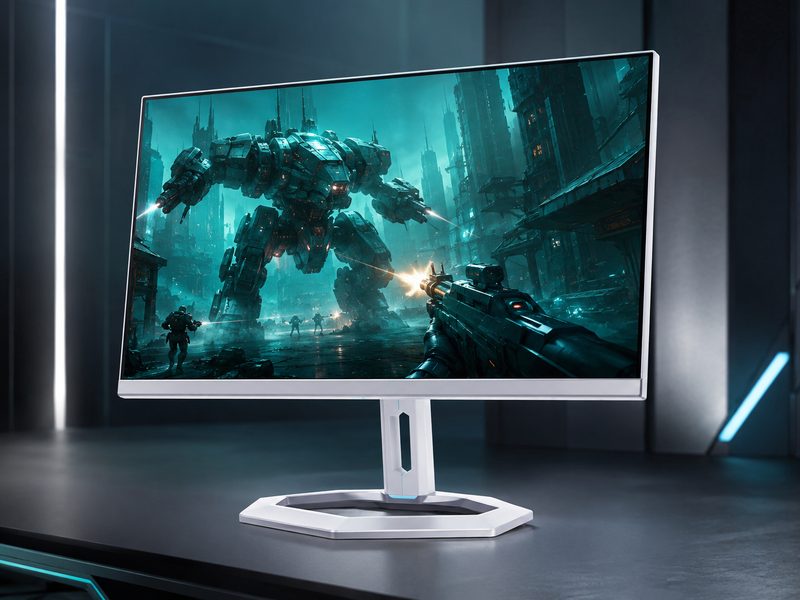
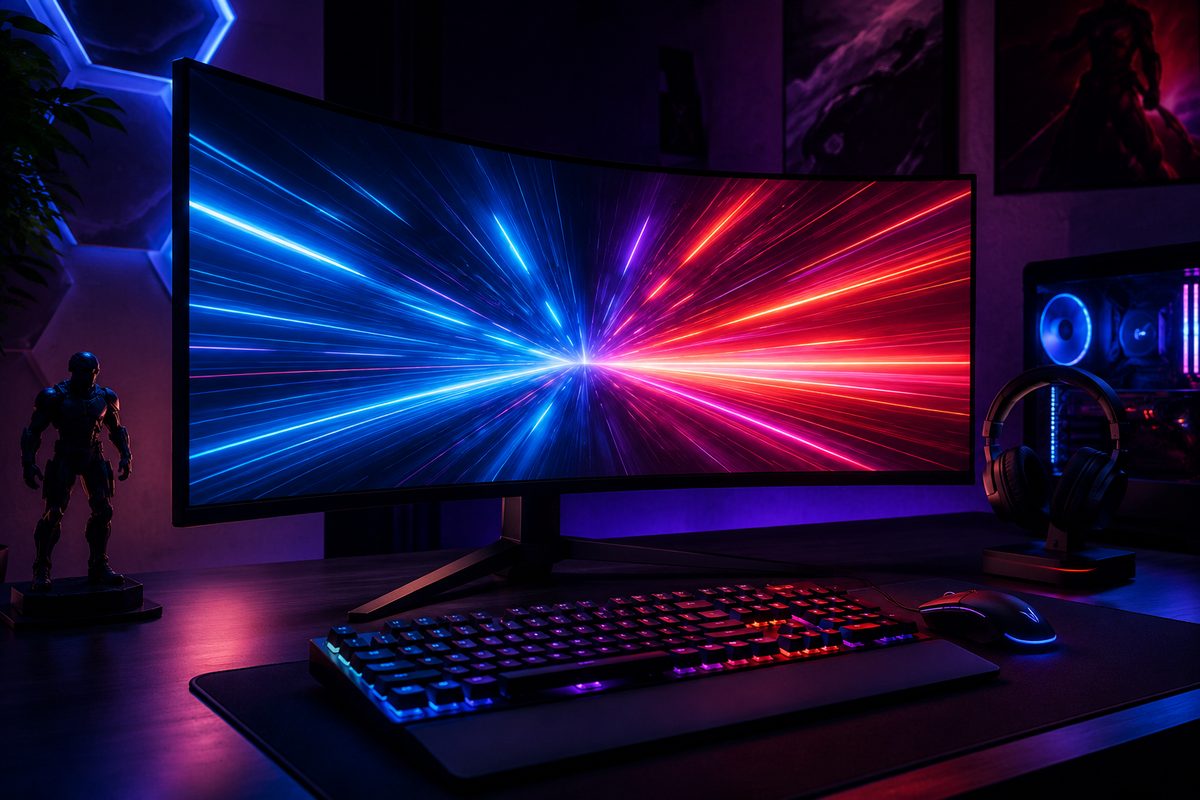
High-refresh QD-OLED gaming monitor displaying vivid fast-motion gameplay in a dark battlestation

Our Top Picks at a Glance

  1. ASUS ROG Swift OLED PG27UCDM — Best Overall
  2. MSI MPG 322UR X24 QD-OLED — Best 32-Inch 4K OLED
  3. Alienware AW2725D — Best 1440p QD-OLED Value
  4. Samsung Odyssey G7 G75F — Best 32-Inch All-Rounder
  5. LG UltraGear 45GR75DC — Best Super-Ultrawide Value
  6. AOC Gaming C27G4ZXE — Best Budget

2026 is the year OLED went mainstream in gaming displays. QD-OLED panels now dominate the premium tier with per-pixel lighting, near-instant response times, and HDR that LCD simply can't match — while fast-IPS and VA options keep the budget and mid-range honest. We cross-referenced current rankings from RTINGS, PC Gamer, PCWorld, Tom's Hardware, and Tom's Guide to surface the six monitors that consistently rise to the top, then organized them by use case so you can jump straight to the pick that matches your GPU, budget, and play style.

1
Best Overall

ASUS ROG Swift OLED PG27UCDM

$$$
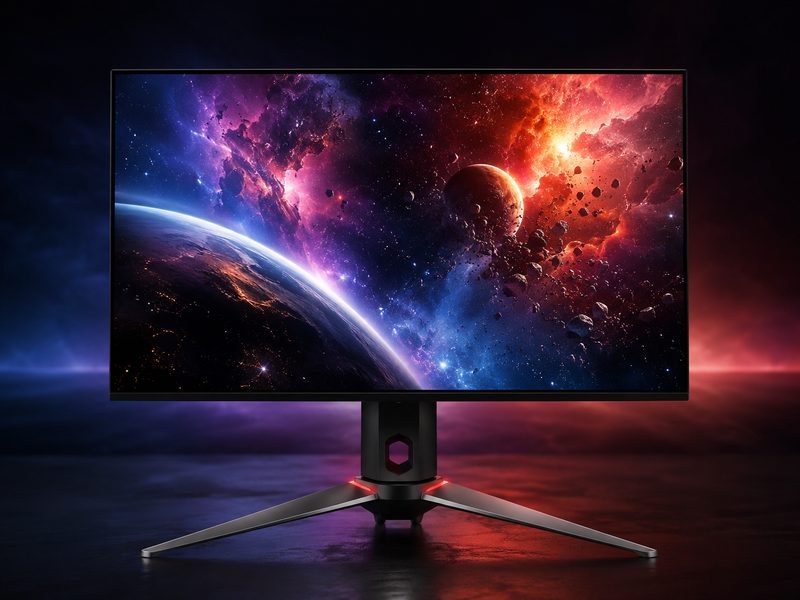
ASUS ROG Swift OLED PG27UCDM 27-inch 4K QD-OLED gaming monitor on a desk
27" QD-OLED4K UHD240 HzG-Sync + FreeSyncDisplayPort 2.1

RTINGS crowned the PG27UCDM the best gaming monitor it has tested, and it’s easy to see why: a 27-inch 4K QD-OLED panel running at 240 Hz combines pixel density and motion clarity that no LCD can touch. Per-pixel lighting delivers true blacks and punchy HDR highlights, while near-instantaneous pixel response eliminates ghosting entirely. This is the no-compromise pick for anyone with a current-generation GPU who wants one monitor that excels at everything — competitive shooters, cinematic single-player titles, and even color-sensitive creative work between sessions.

Pros

  • Class-leading 4K 240 Hz QD-OLED panel
  • Effectively instant pixel response — zero ghosting
  • Outstanding HDR with per-pixel dimming
  • Excellent for both competitive and immersive gaming

Cons

  • Premium flagship pricing
  • Needs a high-end GPU to feed 4K at high frame rates
  • OLED requires burn-in care for static desktop use
2
Best 32-Inch 4K OLED

MSI MPG 322UR X24 QD-OLED

$$$
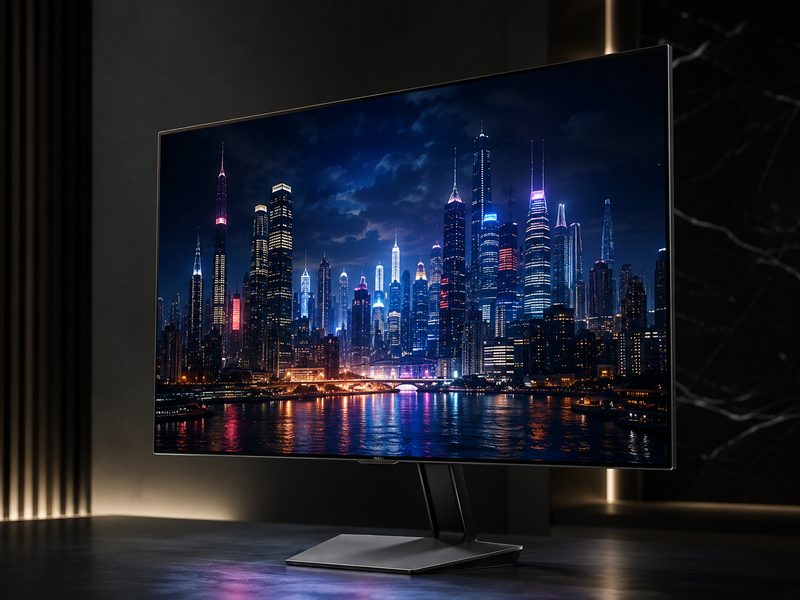
MSI MPG 322UR X24 32-inch QD-OLED gaming monitor showing an HDR game scene
32" QD-OLED4K UHDHigh RefreshTop-Tier HDR

PC Gamer’s pick for the best monitor of 2026, the MPG 322UR X24 stretches QD-OLED across a 32-inch 4K canvas for maximum immersion. Reviewers praised its stunning panel, snappy response, and top-notch HDR performance — the extra size over 27-inch rivals makes HDR highlights and cinematic games hit noticeably harder. If your desk has the depth for a 32-inch display and your GPU can push 4K, this is the large-format OLED to beat.

Pros

  • Gorgeous 32-inch QD-OLED panel
  • Top-tier HDR performance
  • Extremely fast and responsive
  • Immersive size for single-player and sim gaming

Cons

  • Flagship pricing
  • 32-inch 4K demands serious GPU horsepower
  • Large footprint needs a deep desk
3
Best 1440p QD-OLED Value

Alienware AW2725D

$$
Alienware AW2725D 27-inch QD-OLED monitor with signature white chassis
27" QD-OLED1440p QHDHigh RefreshGPU-Friendly

The AW2725D brings QD-OLED’s perfect blacks and instant response down to the 1440p class, where mid-range GPUs can actually max out the refresh rate. Tom’s Guide features it among its favorite gaming monitors of 2026, and it represents the smartest entry point into OLED gaming: you get the full contrast and motion-clarity benefits without paying the 4K flagship premium or needing a top-shelf graphics card. Alienware’s build quality and design polish are the cherry on top.

Pros

  • Full QD-OLED experience at a mid-tier price
  • 1440p is achievable for mid-range GPUs at high FPS
  • Premium Alienware build and styling
  • Excellent motion clarity for competitive play

Cons

  • Lower pixel density than 4K rivals
  • Still costs more than fast-IPS 1440p options
  • OLED static-content care applies
4
Best 32-Inch All-Rounder

Samsung Odyssey G7 G75F

$$
Samsung Odyssey G7 G75F 32-inch gaming monitor with slim bezels
32" ClassSharp & FastAdaptive SyncStrong Value

PCWorld highlights the Odyssey G7 G75F as a standout among 2026’s 32-inch gaming displays. Samsung’s Odyssey line has long balanced speed, contrast, and price better than most, and the G75F continues that tradition: a big, sharp, fast panel with adaptive sync support that suits players who want screen real estate for both gaming and everyday use without stepping up to OLED money. It’s the sensible large-format pick for mixed work-and-play setups.

Pros

  • Big 32-inch panel at a non-OLED price
  • Fast and responsive for its class
  • Adaptive sync for tear-free gameplay
  • Doubles well as a productivity display

Cons

  • LCD contrast can't match OLED rivals
  • HDR is modest compared to premium tiers
  • Stand takes up meaningful desk space
5
Best Super-Ultrawide Value

LG UltraGear 45GR75DC

$$
LG UltraGear 45GR75DC 45-inch curved super-ultrawide gaming monitor
45" Curved5120×1440200 Hz1 msFreeSync

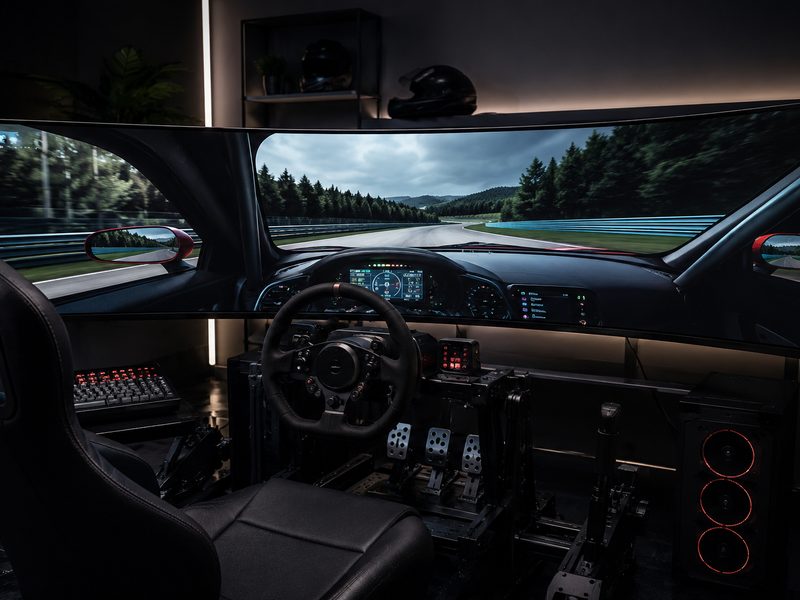
Tom’s Guide calls the 45GR75DC the easiest gaming monitor to recommend for most people on pure bang-for-buck, and the spec sheet backs it up: a 45-inch 5120×1440 panel at 200 Hz with 1 ms response. That’s two 27-inch 1440p monitors’ worth of width with zero bezel gap — phenomenal for sim racing, strategy, MMOs, and serious multitasking. It skips OLED to hit its price point, but the sheer immersion-per-dollar here is unmatched.

Pros

  • Massive 32:9 immersion at a fair price
  • Speedy 200 Hz refresh with 1 ms response
  • Excellent for work tasks and multitasking
  • Replaces a dual-monitor setup outright

Cons

  • Not OLED — contrast trails premium rivals
  • Requires a large, deep desk
  • 32:9 support varies by game
6
Best Budget

AOC Gaming C27G4ZXE

$
AOC Gaming C27G4ZXE curved 27-inch budget high-refresh gaming monitor
27" Curved1080pVery High RefreshBudget Esports

PC Gamer names the C27G4ZXE the best 1080p gaming monitor you can buy right now, and it’s the pick we point budget builders toward. At 1080p, even older and entry-level GPUs can push the frame rates that make a high-refresh panel worthwhile — which is exactly the point. For competitive shooters where speed matters more than resolution, this curved 27-incher delivers the responsiveness that actually wins gunfights, at a price that leaves budget for the rest of the rig.

Pros

  • Outstanding speed-per-dollar
  • High refresh achievable on modest GPUs
  • Immersive curve at a budget price
  • Ideal first upgrade from a 60 Hz panel

Cons

  • 1080p pixel density shows at 27 inches
  • Not suited to color-critical work
  • Basic stand and build at this tier

Quick Comparison

MonitorBest ForSizeResolutionPanelRefreshTier
ASUS ROG Swift OLED PG27UCDMBest overall27"3840×2160QD-OLED240 Hz$$$
MSI MPG 322UR X24Best 32" 4K OLED32"3840×2160QD-OLEDHigh refresh$$$
Alienware AW2725DBest 1440p OLED value27"2560×1440QD-OLEDHigh refresh$$
Samsung Odyssey G7 G75FBest 32" all-rounder32"4K classLCDHigh refresh$$
LG UltraGear 45GR75DCBest super-ultrawide value45"5120×1440VA LCD200 Hz$$
AOC Gaming C27G4ZXEBest budget27"1920×1080VA LCDVery high refresh$

How We Choose

Every recommendation on this page is grounded in published lab testing and hands-on reviews from independent outlets, cross-referenced against real-world owner feedback. We never accept payment for placement, and we never fabricate scores or specifications.

Independent Test Data

We synthesize measurements and verdicts from professional review labs—response times, color accuracy, brightness, and build quality—rather than relying on manufacturer marketing claims.

Value Across Tiers

Each list spans budget ($) to premium ($$$) so there’s a genuine recommendation at every spend level, not just flagship halo products.

Real-World Fit

Specs only matter in context. We weigh how each pick performs for its intended use case—and call out the trade-offs honestly in every cons list.

Kept Current

Display tech moves fast. We revisit these picks as new panels ship and prior recommendations are superseded, so this page reflects the current market.

Frequently Asked Questions

Is a QD-OLED gaming monitor worth it in 2026?
For most gamers who can afford the step up, yes. QD-OLED delivers per-pixel lighting (true blacks and dramatic HDR), effectively instant response times, and wide color that LCD panels can't match. Prices have also fallen substantially as the technology matured. The main caveats are burn-in care for heavy static-content use and the GPU horsepower needed to feed high-resolution OLED panels at high frame rates.
What refresh rate do I actually need for gaming?
The jump from 60 Hz to 144–165 Hz is dramatic and worth it for nearly everyone. Beyond that, returns diminish for casual play: 240 Hz and up primarily benefits competitive esports players in titles like shooters and fighting games where every millisecond of motion clarity counts. Match the refresh rate to frame rates your GPU can realistically sustain in the games you play.
Should I buy 1080p, 1440p, or 4K for gaming?
1440p remains the sweet spot for most gamers — sharp at 27 inches and achievable at high frame rates on mid-range GPUs. Choose 1080p if you're on a tight budget or chasing maximum FPS in esports titles. Choose 4K if you have a current-generation high-end GPU and prioritize visual fidelity in single-player games. Our picks above include the strongest option at each resolution.
Do I need G-Sync or FreeSync?
You want one of them — adaptive sync eliminates screen tearing without the input lag of traditional V-Sync. The good news is it's nearly universal now: most monitors support FreeSync, which also works with NVIDIA GPUs under the G-Sync Compatible program. Just verify the monitor's adaptive sync range covers the frame rates you typically hit.
Is a super-ultrawide better than two monitors for gaming?
For immersion, absolutely — a 32:9 panel like the LG 45GR75DC wraps gameplay around your vision with no center bezel, which is transformative for sim racing and immersive titles. The trade-offs are desk depth requirements and inconsistent 32:9 support in some games (cutscenes and menus may letterbox). For pure competitive play, a fast 27-inch 16:9 panel keeps everything in your central vision.

Ready to Level Up Your Display?

Browse the full range of current gaming monitors and filter by refresh rate, panel type, and size.

Shop All Gaming Monitors →

Tech Cluster

Camera Gear Cell Phone Plans Compare Internet Computer Gear