Affiliate Disclosure: This site contains affiliate links. We may earn a commission at no extra cost to you when you purchase through these links. All recommendations are based on research and editorial judgment.
HomeCategories › 4K & High-Resolution

The Best 4K & High-Res Monitors of 2026

Razor-sharp text, precise color, and serious screen real estate. These six 4K and 5K displays lead the pack for creators, professionals, and anyone who refuses to squint.

Updated July 2026 · Research-Backed Picks
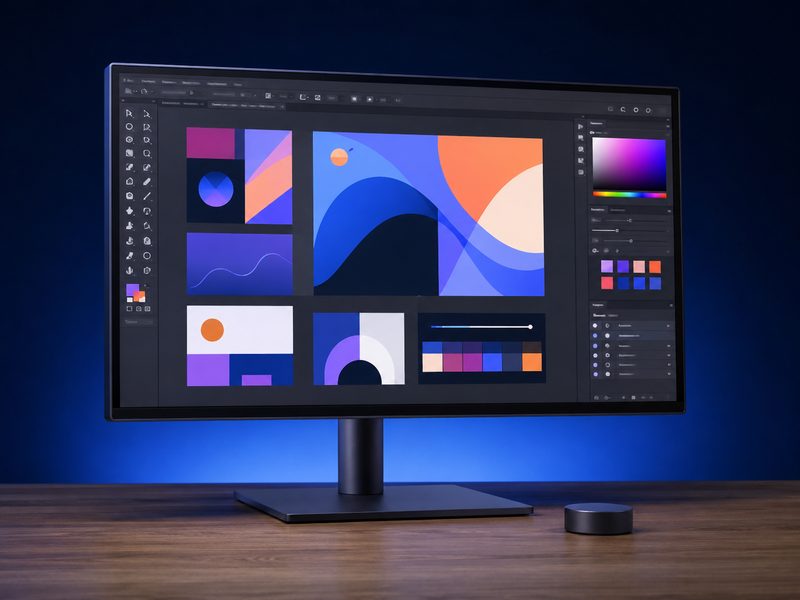
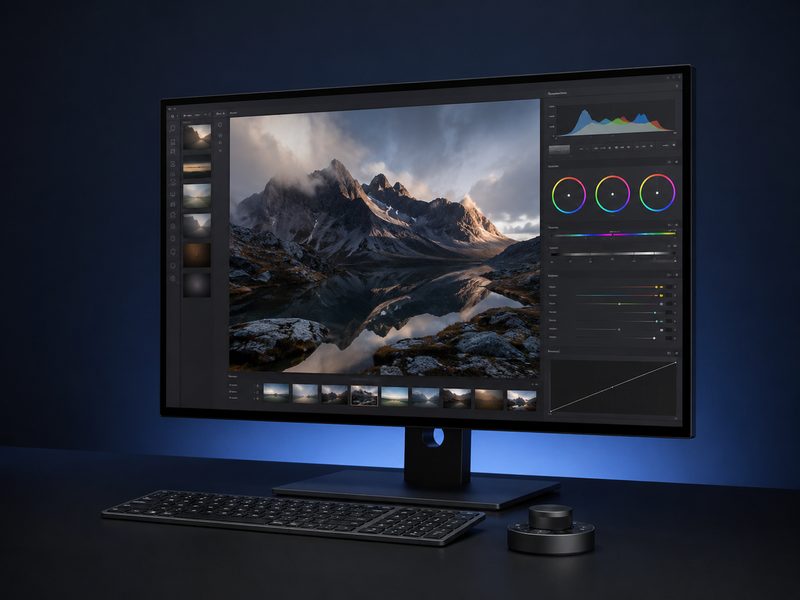
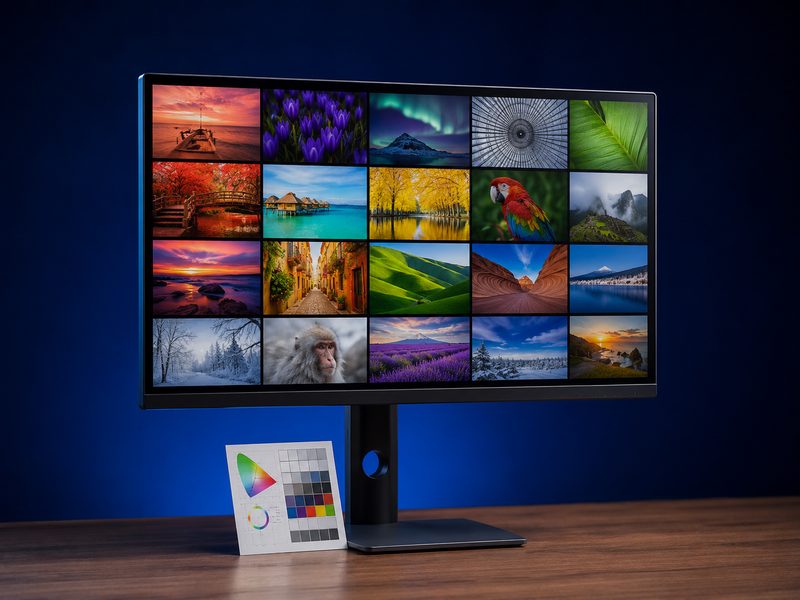
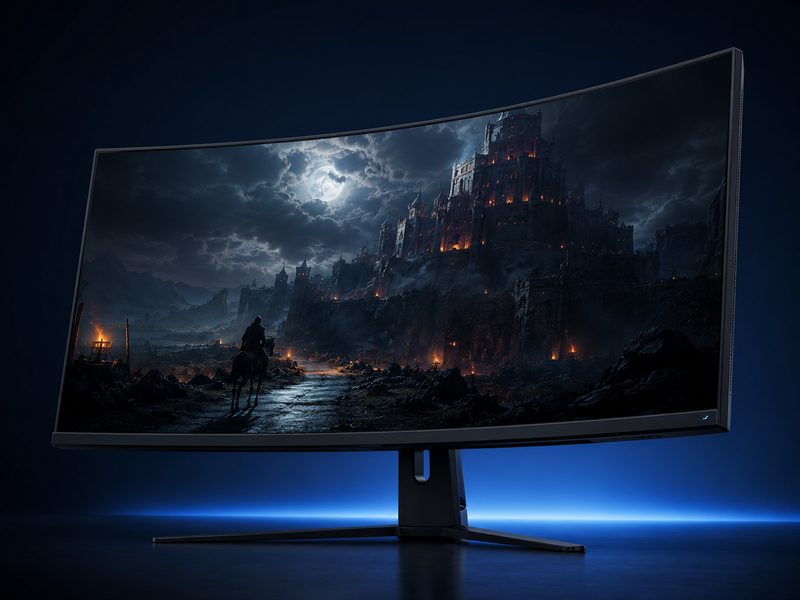
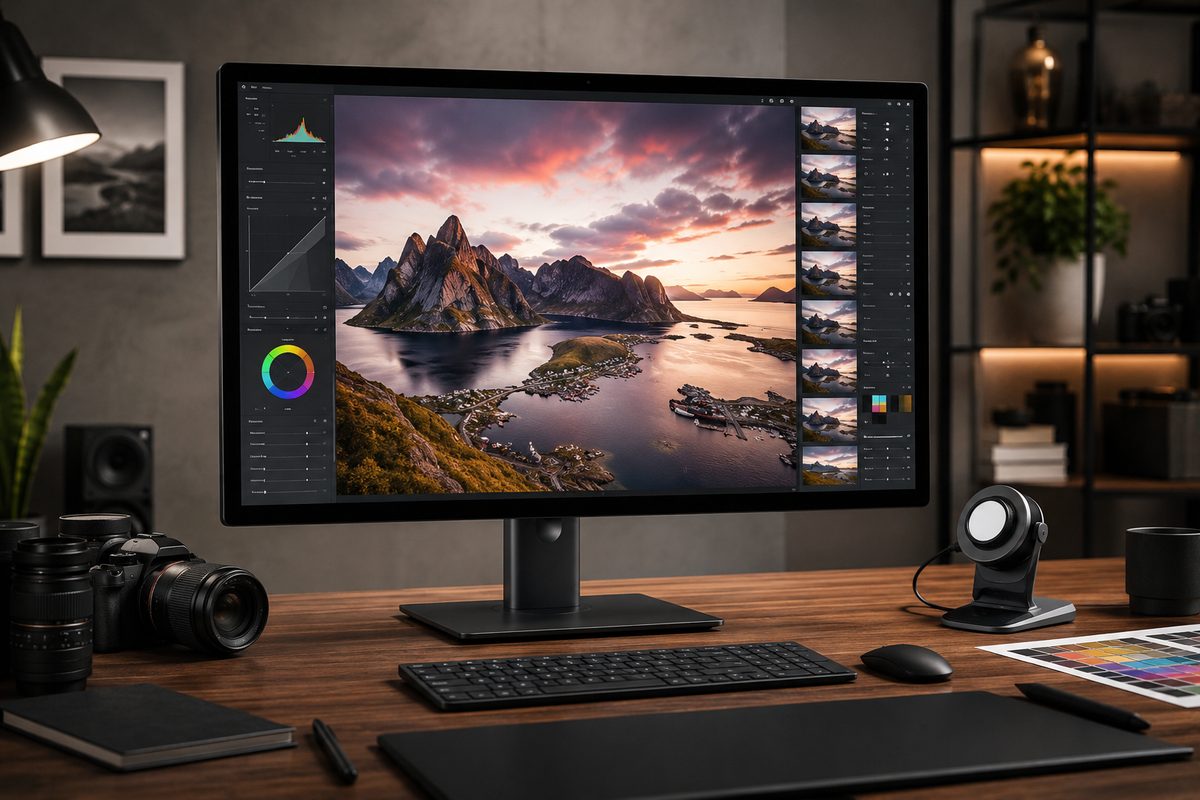
4K monitor displaying an ultra-sharp photo editing workspace with fine detail

Our Top Picks at a Glance

  1. Dell UltraSharp U2725QE — Best Overall
  2. BenQ PD2730S — Best for Designers (5K)
  3. BenQ PD3225U — Best 32-Inch for Creative Pros
  4. ASUS ProArt PA279CRV — Best Creator Value
  5. Gigabyte M32UC — Best 4K Gaming Value
  6. Dell 27 Plus S2725QS — Best Budget 4K

High-resolution monitors earn their keep in two ways: pixel density that makes text and imagery genuinely sharp, and the color fidelity that creative work demands. In 2026 the category spans Thunderbolt-hub productivity flagships, factory-calibrated creator panels, 5K nano-matte designer displays, and 4K gaming values. We distilled current testing from RTINGS, TechRadar, PCWorld, and Newegg’s creator roundups into the six displays that lead each niche.

1
Best Overall

Dell UltraSharp U2725QE

$$$
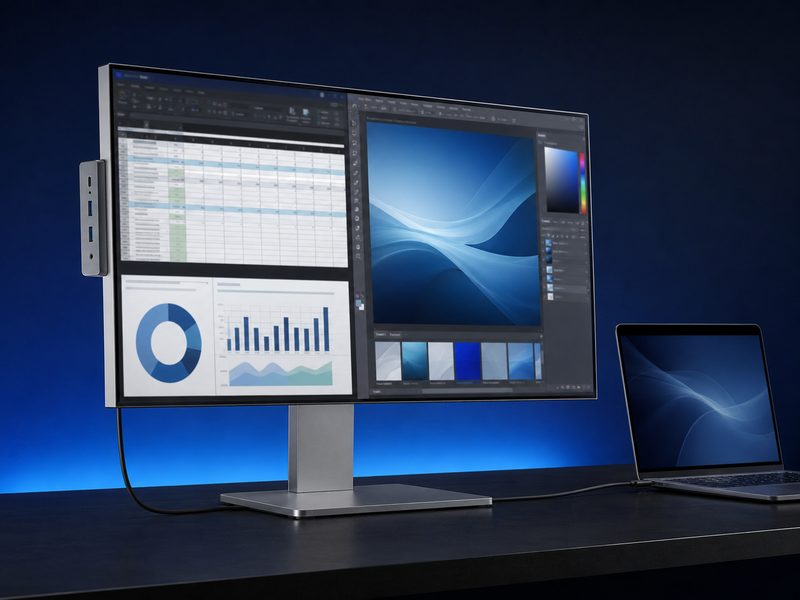
Dell UltraSharp U2725QE 27-inch 4K monitor with Thunderbolt hub on a clean desk
27" IPS Black4K UHDThunderbolt 4140W PDUSB Hub

RTINGS’ best USB-C monitor and the strongest all-round 4K display of 2026. The U2725QE pairs Dell’s IPS Black panel — roughly triple the contrast of conventional IPS — with a Thunderbolt 4 hub that delivers up to 140W of laptop charging plus a stack of USB-C and USB-A ports. One cable in, entire workstation out. Text clarity, color, and connectivity are all excellent, making this the default recommendation for professionals who want one premium monitor that does everything right.

Pros

  • IPS Black contrast well beyond standard IPS
  • Thunderbolt 4 hub with up to 140W charging
  • Extensive USB-C/USB-A port selection
  • Superb text sharpness at 27" 4K

Cons

  • Premium price for 27 inches
  • Not aimed at high-refresh gaming
  • HDR is competent, not spectacular
2
Best for Designers (5K)

BenQ PD2730S

$$$
BenQ PD2730S 5K designer monitor with nano matte coating and hotkey puck
27" 5K218 PPINano MatteHotkey PuckKVM

TechRadar’s best monitor for graphic design overall. The PD2730S delivers 5K resolution at a Retina-class 218 PPI — the same density as Apple’s Studio Display — with a beautiful nano-matte coating that kills glare without the usual grain, phenomenal color representation, wireless hotkey puck, and built-in KVM for driving two computers. For designers and photographers who live in fine detail all day, this is the most complete package in its class, at a price that undercuts the Apple alternative.

Pros

  • 5K at 218 PPI — genuine Retina-class sharpness
  • Nano matte coating handles glare beautifully
  • Phenomenal color for design work
  • Hotkey puck + KVM streamline pro workflows

Cons

  • Premium pricing
  • 5K needs a capable GPU/laptop
  • Overkill for gaming-first buyers
3
Best 32-Inch for Creative Pros

BenQ PD3225U

$$$
BenQ PD3225U 32-inch 4K designer monitor in a creative studio
32" IPS4K UHDColor-FocusedKVMHotkey Puck

TechRadar’s pick for the best 4K design monitor, the PD3225U scales BenQ’s designer formula to 32 inches: strong color accuracy focus, the hotkey puck for instant color-mode switching, and built-in KVM for multi-machine setups. The extra size over 27-inch panels means larger canvases with tool palettes and reference material visible simultaneously — the ‘artist-per-dollar’ move for painters, photo editors, and video professionals who routinely need workspace and UI at the same time.

Pros

  • Big 32-inch 4K canvas for pro workflows
  • Strong color accuracy focus with pro presets
  • Hotkey puck and KVM built in
  • Excellent productivity feature set

Cons

  • Premium price tier
  • Lower PPI than 27-inch 4K or 5K rivals
  • Limited appeal for gamers
4
Best Creator Value

ASUS ProArt PA279CRV

$$
ASUS ProArt PA279CRV 27-inch 4K color-accurate monitor with calibration report
27" IPS4K UHD99% DCI-P399% Adobe RGBUSB-C PD

Newegg’s creator roundup singles out the PA279CRV for its 99% DCI-P3 and Adobe RGB coverage with excellent uniformity — gamut numbers that normally live in far more expensive territory. ASUS’s ProArt line ships factory-calibrated with a report in the box, and the CRV adds USB-C with power delivery for laptop workflows. For photographers and video editors who need trustworthy color without flagship spend, this is the value benchmark of the category.

Pros

  • 99% DCI-P3 and Adobe RGB coverage
  • Factory calibration with included report
  • USB-C with power delivery
  • Outstanding gamut-per-dollar

Cons

  • Build is functional rather than luxurious
  • Standard refresh — not a gaming panel
  • HDR capability is modest
5
Best 4K Gaming Value

Gigabyte M32UC

$$
Gigabyte M32UC 32-inch curved 4K gaming monitor with high contrast panel
31.5" Curved VA4K UHD144 Hz Class3000:1 ContrastKVM

TechRadar’s best curved 4K gaming monitor for most people. The M32UC pairs a 31.5-inch 4K VA panel — with deep 3000:1 native contrast and 93% DCI-P3 coverage — with fast refresh, 1 ms response, and generous connectivity including KVM. Reviewers called out great image quality, performance, and value; the built-in speakers are the only real casualty. For gamers who want 4K sharpness and contrast without OLED pricing, this is the sweet spot.

Pros

  • 4K + high refresh at a fair price
  • Deep VA contrast (3000:1)
  • Strong connectivity with KVM
  • Immersive curve at 31.5 inches

Cons

  • Built-in speakers are poor
  • VA response trails OLED and fast-IPS
  • Curve isn't ideal for straight-line design work
6
Best Budget 4K

Dell 27 Plus S2725QS

$
Dell 27 Plus S2725QS budget 4K 120Hz monitor in ash white
27" IPS4K UHD120 Hz99% sRGBBuilt-in Speakers

A standout in the budget-4K class and a fixture on 2026 creator value lists: the S2725QS delivers a 27-inch 4K IPS panel at a genuinely fluid 120 Hz — rare at this tier, where 60 Hz is the norm — plus 99% sRGB coverage, 1500:1 contrast, AMD FreeSync Premium, and integrated speakers. For everyday productivity, media, and light gaming, it covers an enormous amount of ground for the money and makes 4K sharpness accessible to almost any budget.

Pros

  • 4K at 120 Hz for budget money
  • 99% sRGB with solid 1500:1 contrast
  • FreeSync Premium and built-in speakers
  • Sharp, fluid everyday experience

Cons

  • Not factory-calibrated for pro color work
  • No USB-C power delivery
  • HDR capability is minimal

Quick Comparison

MonitorBest ForSizeResolutionPanelRefreshTier
Dell UltraSharp U2725QEBest overall27"3840×2160IPS BlackStandard$$$
BenQ PD2730SBest for designers27"5120×2880IPSStandard$$$
BenQ PD3225UBest 32" creative32"3840×2160IPSStandard$$$
ASUS ProArt PA279CRVBest creator value27"3840×2160IPSStandard$$
Gigabyte M32UCBest 4K gaming value31.5"3840×2160VA LCD144 Hz class$$
Dell 27 Plus S2725QSBest budget 4K27"3840×2160IPS120 Hz$

How We Choose

Every recommendation on this page is grounded in published lab testing and hands-on reviews from independent outlets, cross-referenced against real-world owner feedback. We never accept payment for placement, and we never fabricate scores or specifications.

Independent Test Data

We synthesize measurements and verdicts from professional review labs—response times, color accuracy, brightness, and build quality—rather than relying on manufacturer marketing claims.

Value Across Tiers

Each list spans budget ($) to premium ($$$) so there’s a genuine recommendation at every spend level, not just flagship halo products.

Real-World Fit

Specs only matter in context. We weigh how each pick performs for its intended use case—and call out the trade-offs honestly in every cons list.

Kept Current

Display tech moves fast. We revisit these picks as new panels ship and prior recommendations are superseded, so this page reflects the current market.

Frequently Asked Questions

Is 4K worth it at 27 inches?
Yes — 27-inch 4K works out to roughly 163 PPI, which makes text razor-sharp and fine image detail clearly visible. It's the biggest quality-of-life upgrade for text-heavy work, photo editing, and high-resolution media. For gaming, you'll want a capable modern GPU to drive 4K at satisfying frame rates.
What's the difference between 4K and 5K for creative work?
5K (5120×2880) packs about 78% more pixels than 4K and hits Retina-class 218 PPI at 27 inches, where individual pixels essentially vanish. It also lets video editors view full 4K footage pixel-for-pixel with interface room to spare. The trade-offs are price and GPU demand — for most users, 27-inch 4K remains the practical sweet spot, with 5K as the detail-obsessed upgrade.
Do I need a factory-calibrated monitor?
For color-critical work — print photography, brand design, video grading — yes, and look for a monitor that ships with an individual calibration report showing Delta E under 2. For general use and hobbyist editing, a quality panel with strong sRGB coverage is plenty, and you can always calibrate later with a hardware colorimeter.
Is IPS Black actually better than regular IPS?
Meaningfully so. IPS Black panels (used in Dell's UltraSharp line) deliver roughly 3000:1 contrast versus the 1000:1 typical of standard IPS, producing visibly deeper blacks and richer shadow detail while keeping IPS color accuracy and viewing angles. It sits between conventional IPS and VA on contrast without VA's trade-offs.
Can a 4K monitor double for gaming and creative work?
Absolutely — that's the appeal of picks like the Gigabyte M32UC and Dell S2725QS, which pair 4K sharpness with 120 Hz+ refresh. The compromise runs the other way: dedicated creator panels prioritize calibration over refresh, and OLED gaming panels need burn-in care under static creative interfaces. Choose based on which role dominates your hours.

See Every Pixel

Browse the full range of 4K, 5K, and high-resolution displays for work and play.

Shop All 4K Monitors →

Tech Cluster

Camera Gear Cell Phone Plans Compare Internet Computer Gear